





Movie Deck for Plex

关于

发行日期

2023年12月15日

发行商

Egerter Software

Movie Deck for Plex is a full featured State-of-the-art 3D media player for Oculus headsets.

Features:

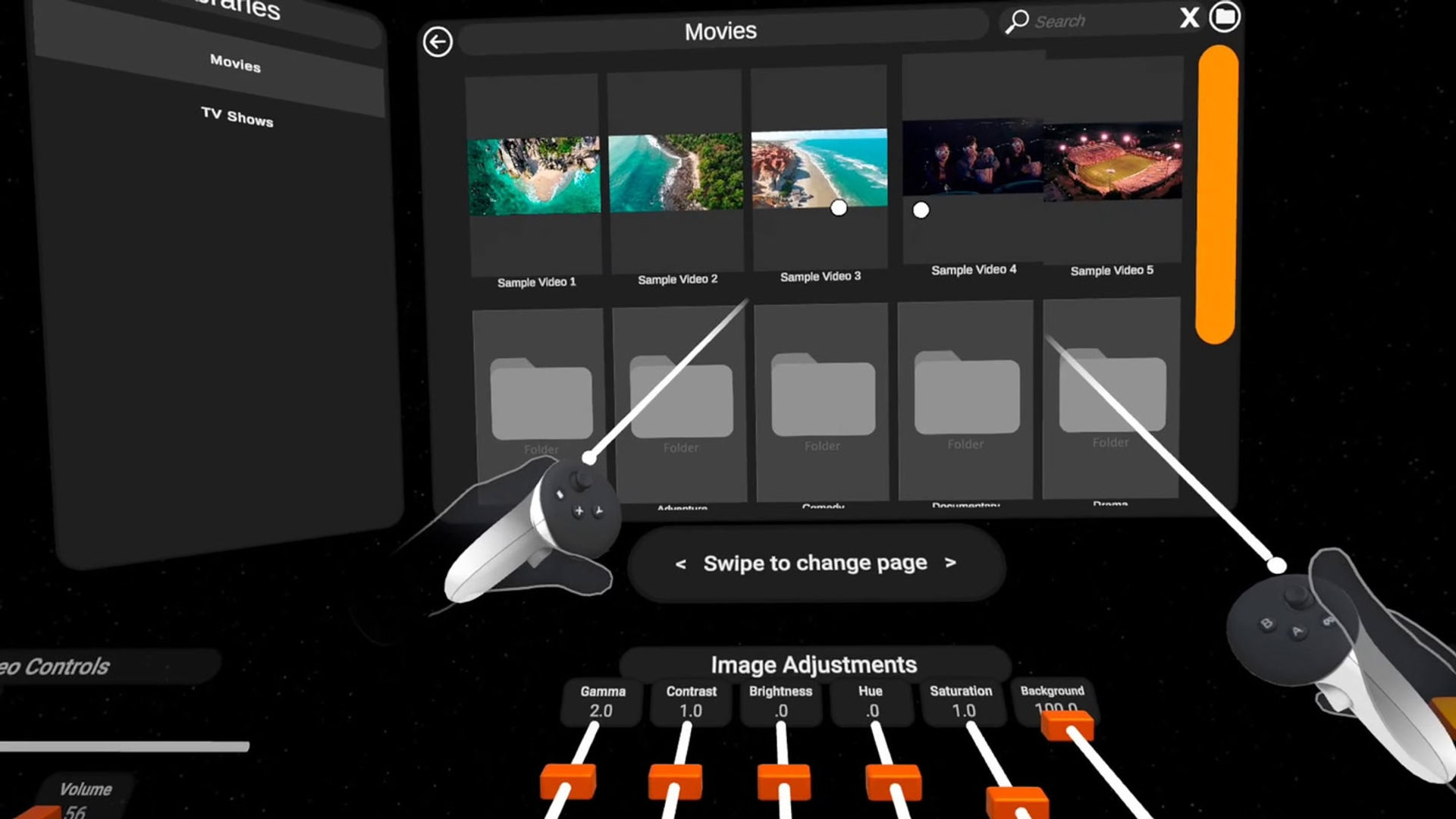
  • Stream your Plex library from anywhere
  • Also supports DLNA, SMB, and local device playback
  • Browse your library with poster artwork or folders
  • Choose between 2D and 3D user interfaces
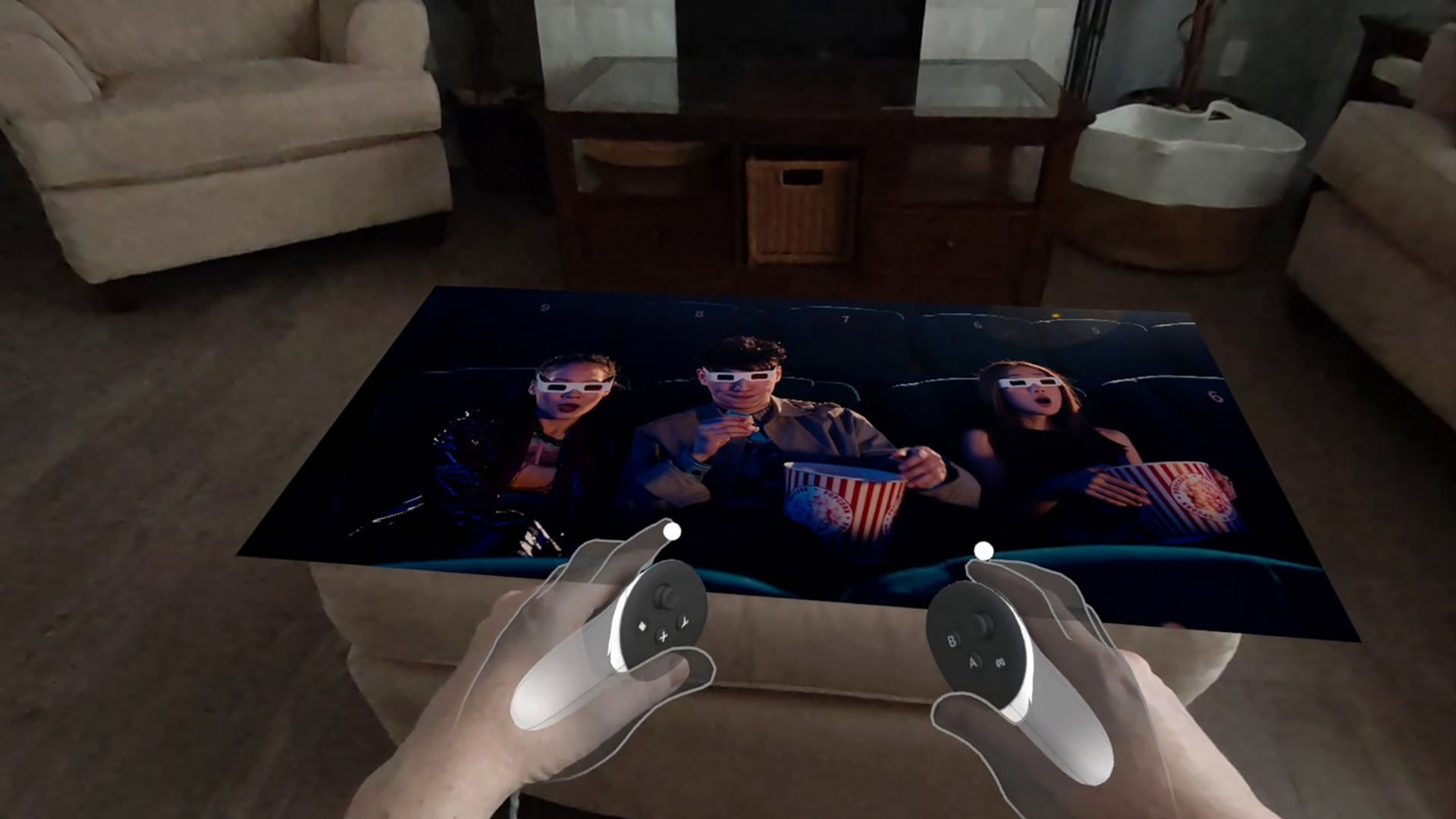
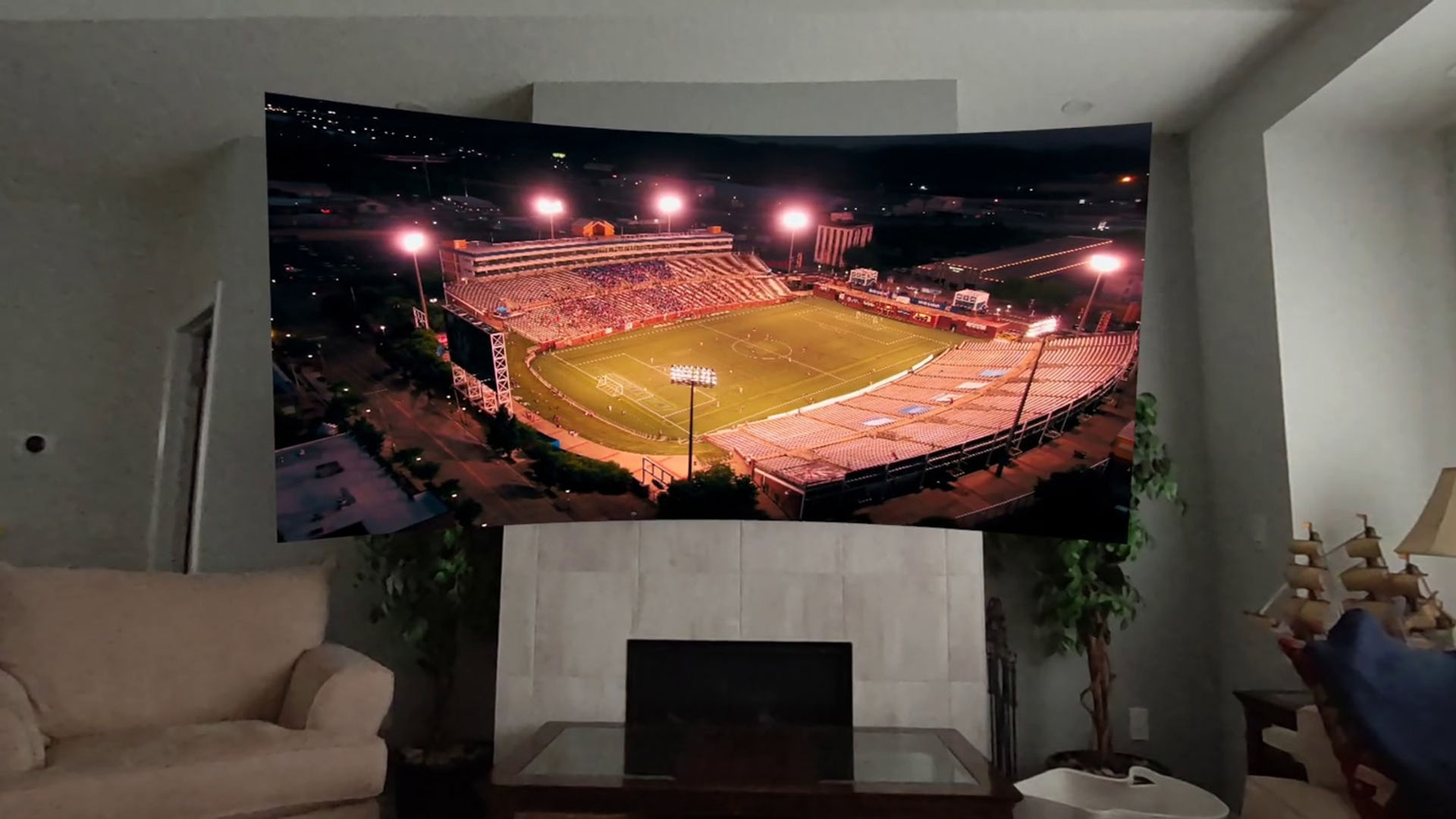
  • Full control over the position, size, scale, tilt, aspect ratio, and X/Y curvature of the screen.
  • Full control over hue, brightness, contrast, saturation and gamma.
  • Choose from multiple backgrounds including passthrough
  • Dim your surroundings to focus on the movie
  • Anchor the screen to a position with roomscale tracking lets you walk around, on, or through the screen
  • Supports different subtitles and audio tracks
  • Automatically recognizes projection mode (180, 360, side by side, top/bottom) from filenames
  • Adjust the curve of 180 degree videos
  • Once the movie is playing you can turn off the menus, put the controllers down and just see your hands tracked without interfering with the controls. Enjoy your food and drinks while watching the movie!
  • 4K and higher resolution support
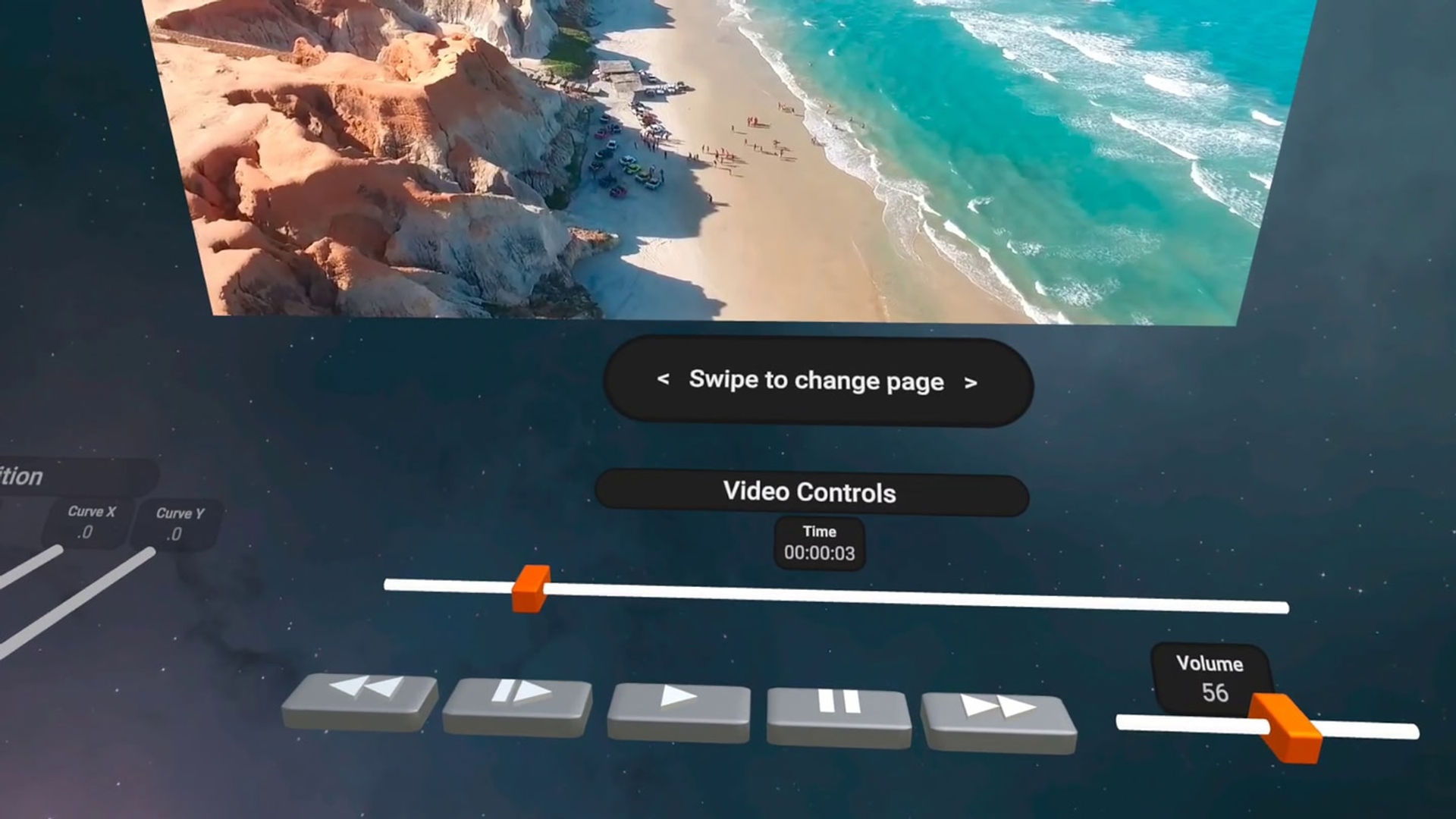
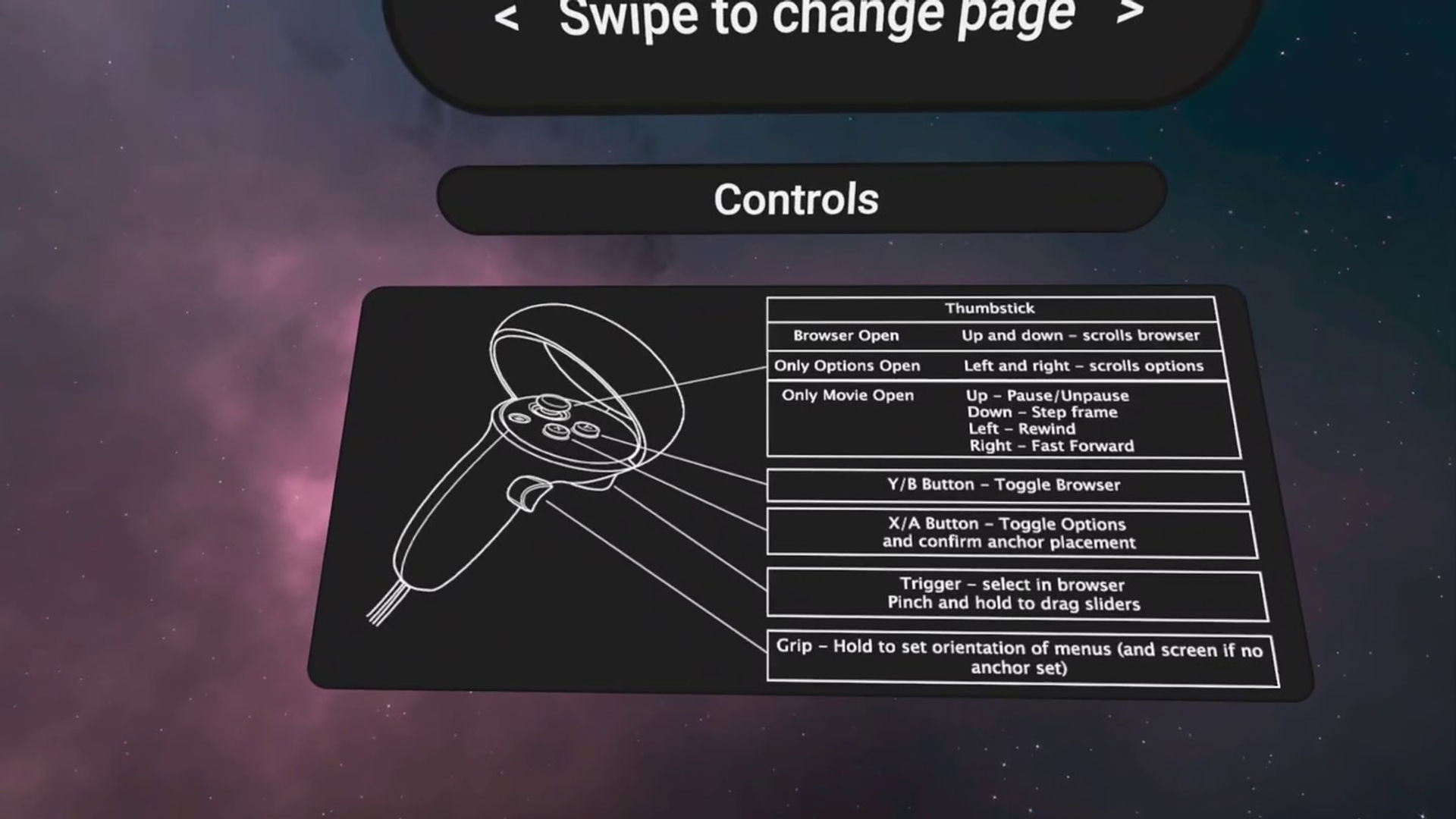
  • Easy control using joysticks for fast forward, reverse, pause, and step frame
  • User ratings, watchlist, and marking movies as watched/unwatched
  • Easily find movies using filters by text search, user rating, watchlist and watch status
  • AR support. Use with green screen videos to remove the background
  • Virtual seating and cinema scenery
  • Embedded and external SRT subtitle support
  • Transcoding support
显示更多 显示更少

支持的平台

更多详情

类型
玩家模式
游戏模式
语言

评分与评测

3.25

150 个评分

Oculus 评分

玩家评测

ObiTroy

2025年1月20日

4/5

Pretty Good

So, I tried this app, Spatial TV and browser on my quest 3 streaming my Plex Media Server. Spatial TV uses Chrome. The Chrome they use in it cannot stream 265/HEVC encoded videos. Chrome on any other device can. So this app is less to me. Browser did pretty good but cannot stream 265/HEVC if you are logged into Plex. It will if you log out. I have Plex configured not to require a logon on local network. This app is the only one that worked for me. I really hate the 3D controls and don't know why they would default to those. The 2D are much better. This app uses the Plex API so no browser BS to deal with. The only annoyance is I wish there were a way to make your controller and hands invisible once you start playing a video. It's enough od a distracting to take away one star. Otherwise, would be five stars.

27 人觉得有用

MosesVII

2024年3月4日

1/5

Thanks, but no thanks

I appreciate the dev taking the time to try and offer a Plex experience. But oh my gosh… I have not used an app with such a bad UI in as long as I can remember. It’s truly awful; Absolutely unusable in its current form. The UI shouldn’t be tweaked and updated, it should be thrown out and redesigned from the ground up. From a fellow dev, please reach out to someone with a design background to assist.

21 人觉得有用

shane.r.w.lindsay

2024年10月19日

4/5

unusable for now

sideloaded Plex app transcodes 4k , this can stream direct, which is worth price alone. unfortunately recent quest update made this app unusable unless you want black and white. app developer needs to work with meta to implement fix in app or in next update.

19 人觉得有用

mdevlin80

2025年12月4日

4/5

Continue watching has limited results

App found my plex servers no problems, playback is beautiful, and screen size options are great. The biggest issue is only 4 results for continue watching are returned for movies or TV shows. I heavily rely on continue watching, with shows taking multiple years to launch a new season they will never show up in this app. This should be an easy fix, the server side is set to 156 weeks (3 years) and 52 items.

18 人觉得有用

stavi.455566

2024年2月16日

4/5

Best plex client for Quest

Watching 3d movies from a plex library works great. It's not perfect, there's still a lot of plex features that aren't implemented, but it works! My only big problem so far is that sometimes playback will just stop entirely. The current time in the video will read as all zeros, even though the progress bar for the video shows the right position. Pausing and unpausing does nothing. The only way I've found to get it to play again is going back to the menu and playing a different video, then going back to the one I was watching. It doesn't remember where I was in the video when I do that, so I have to guess where I was. This seems to happen at least once or twice per movie.

16 人觉得有用

在 Meta 上查看全部评测

相关游戏

OBO VR OBO VR
  • 旅行与探索
  • 学习
OBO VR

免费

发现

浏览

博客