Spatial Phone : Mirror & Control

Об игре

Дата выхода

15 января 2025

Издатель

butter chicken pizza

ОБНОВЛЕНИЕ: Теперь вы можете управлять своим iPhone 📱 в VR с помощью приложения Spatial Phone!

Наконец-то я нашел способ управлять своим iPhone в VR на Meta Quest — то, что раньше было возможно только на Android.

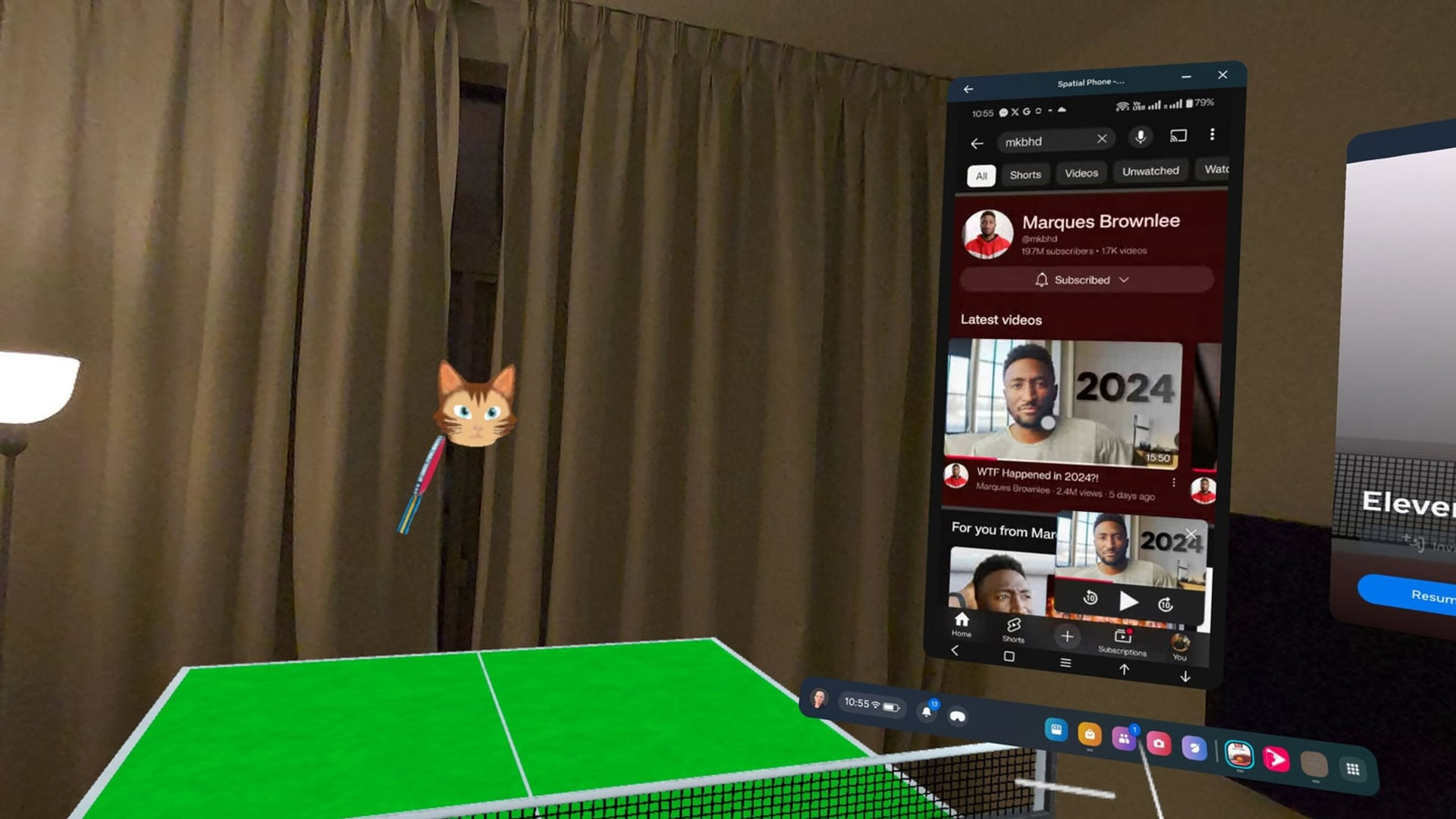
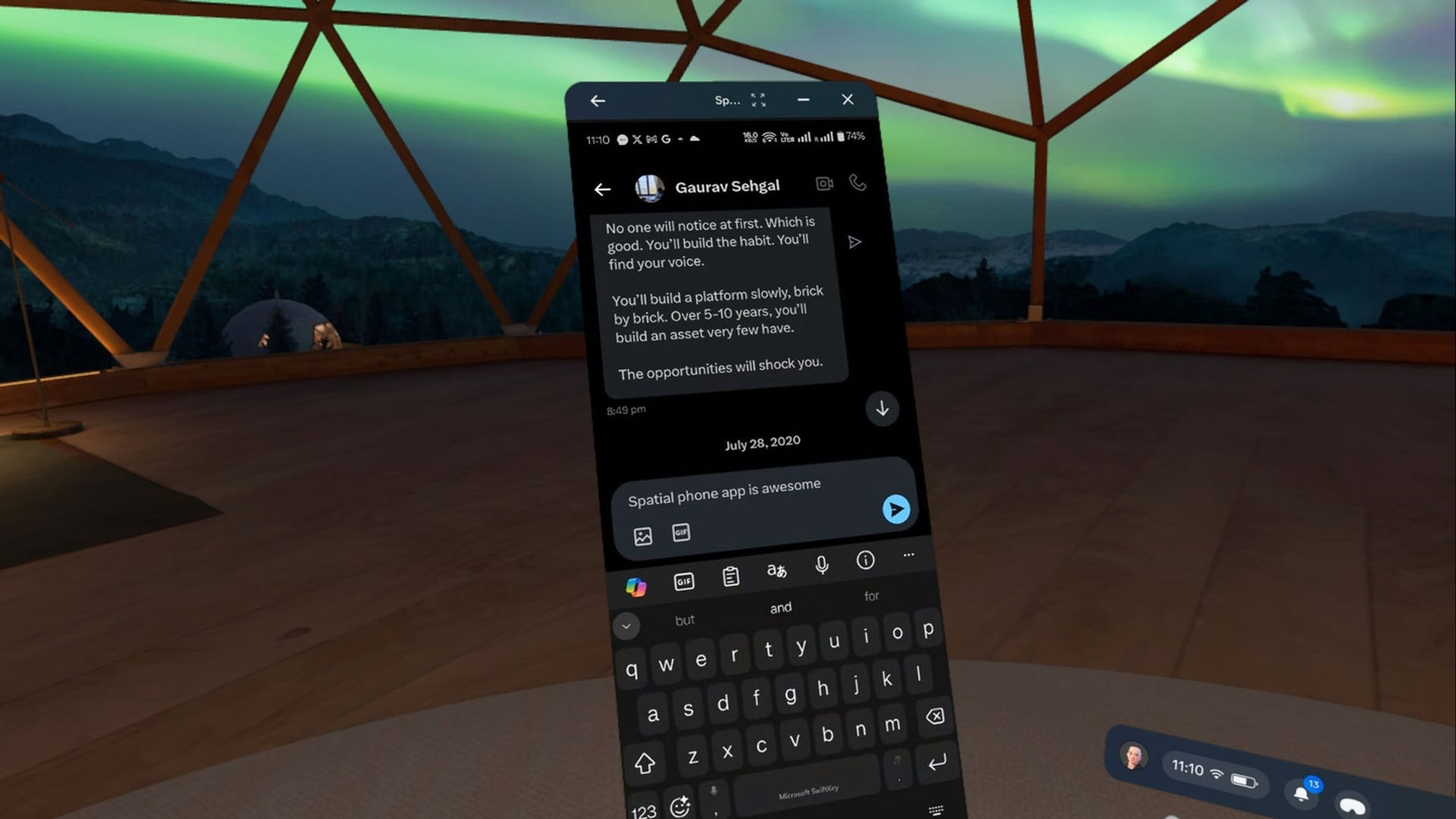
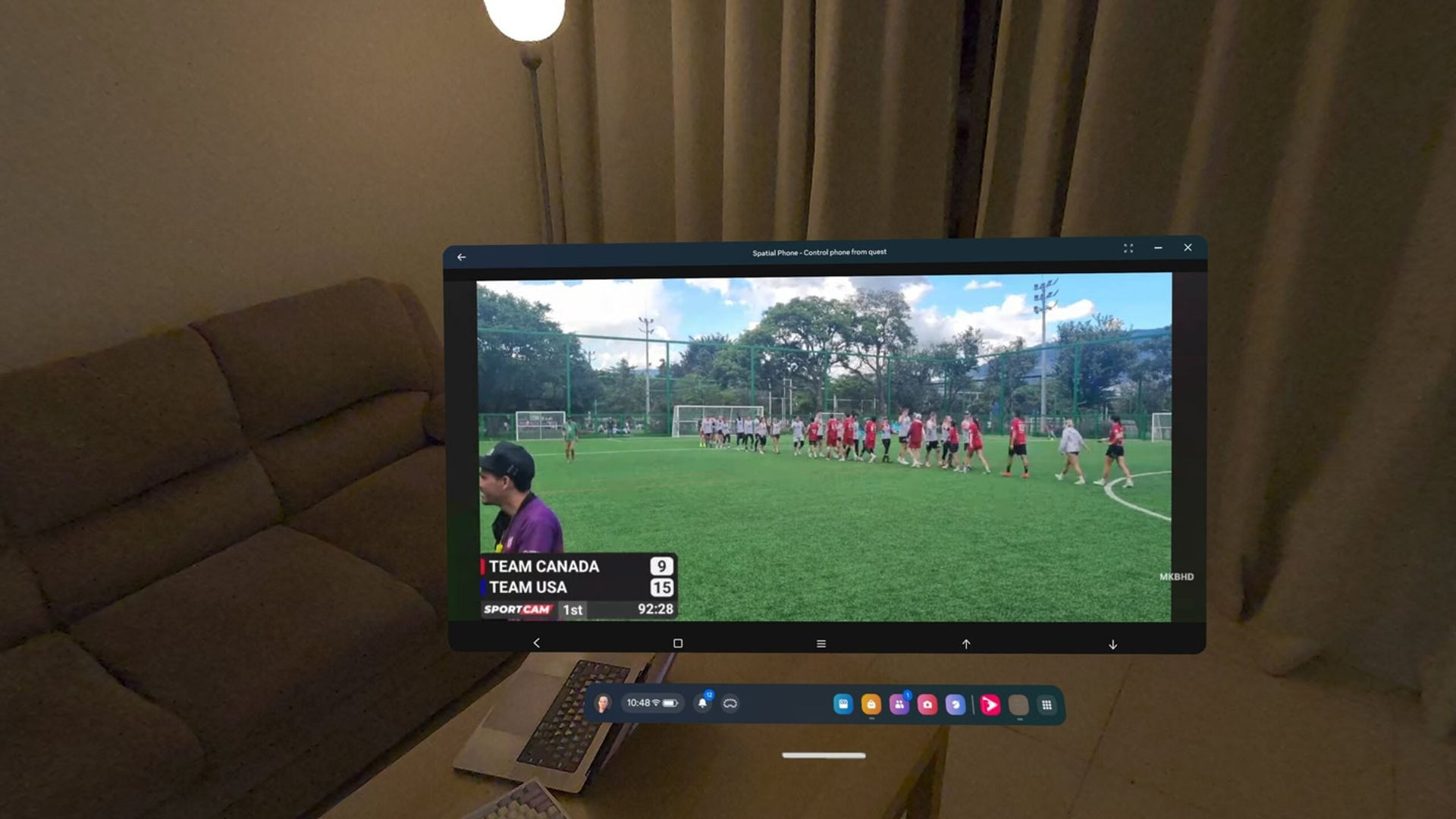
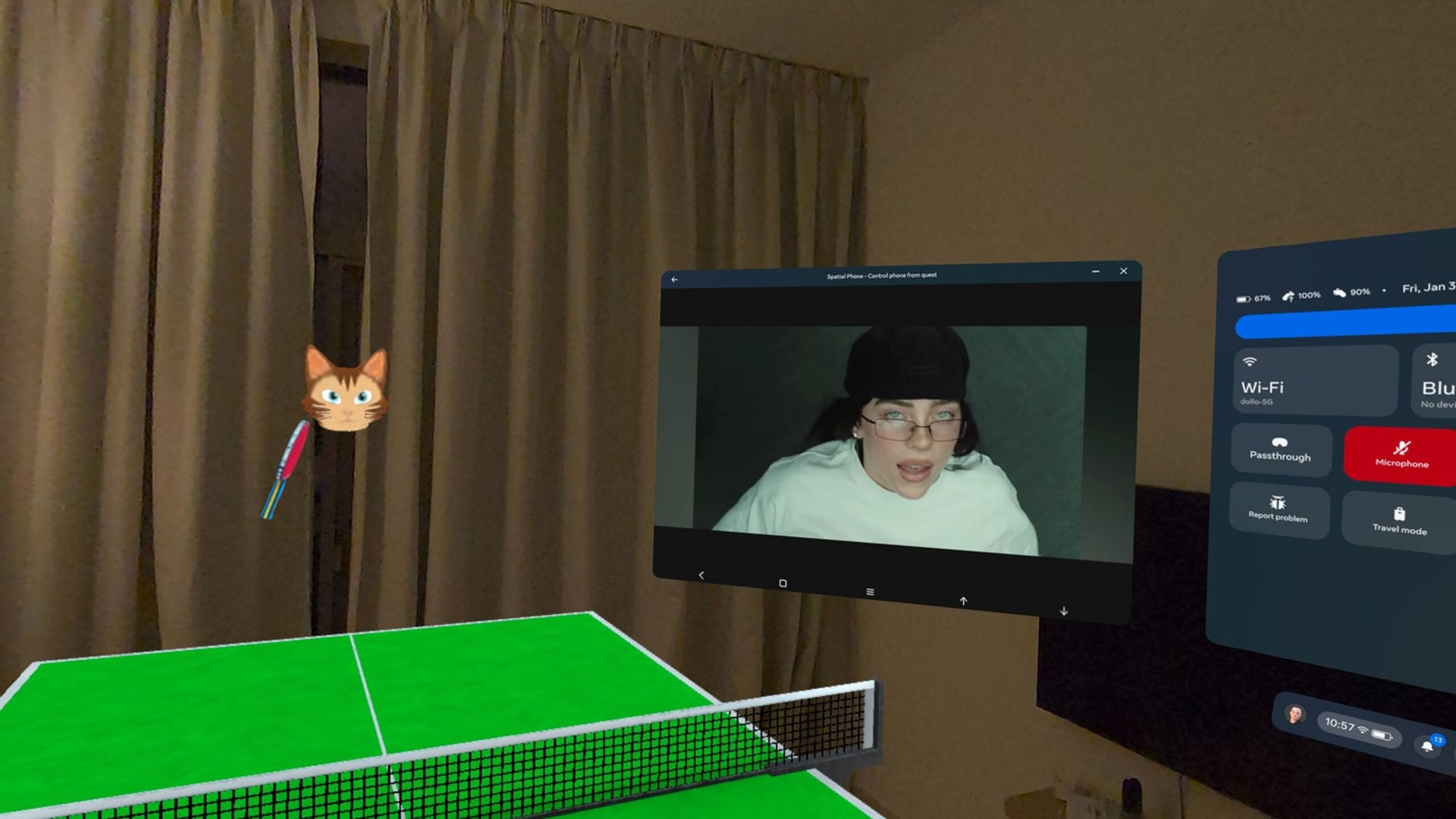
Вы можете отображать изображение со своего iPhone/Android-смартфона и управлять им непосредственно на Meta Quest с помощью высококачественной сквозная камера и низкой задержки. Используйте это в любом приложении или игре.

Примечание: Для использования функции управления каждый раз необходимо сопрягать iPhone с устройством Meta Quest . Это ограничение текущей технологии, которое может быть устранено в будущем.

Функции:

🔹 Высококачественная сквозная камера Наслаждайтесь кристально чистым изображением с вашего устройства Android/iOS в гарнитуре Meta Quest с очень низкой задержкой и стереозвуком (40–90 мс).

🔹 Можно использовать с другими приложениями/играми. Это приложение может работать в фоновом режиме с другими приложениями/играми.

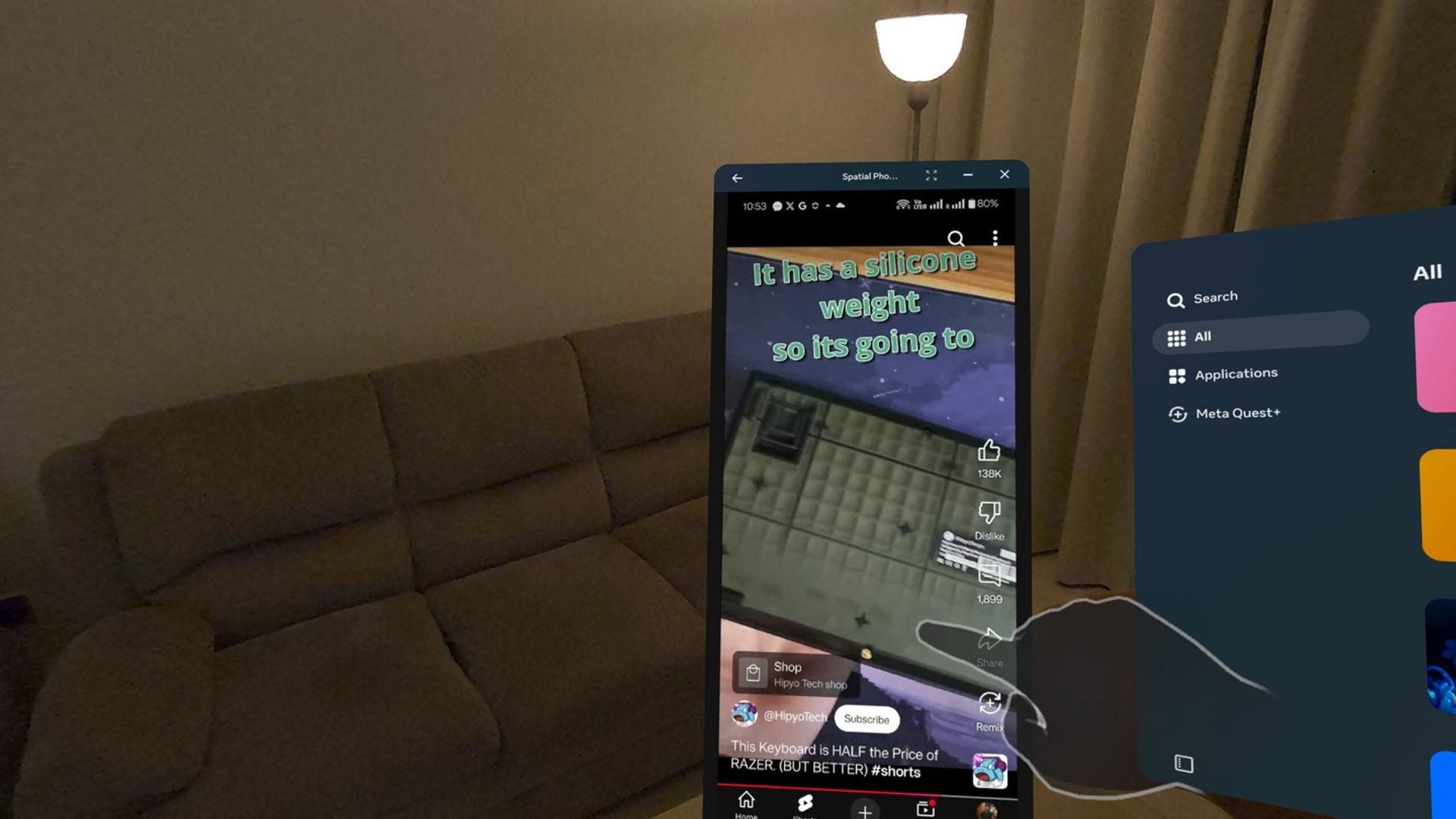
🔹 Управление с помощью контроллеров Meta Quest

🔹 Простое и конфиденциальное пиринговое соединение. Подключайтесь к сети или интернету без каких-либо дополнительных настроек. Ваши данные остаются конфиденциальными благодаря сквозному пиринговому соединению. Никакие дополнительные данные не собираются и не хранятся.

Для получения дополнительной помощи вы можете обратиться в Discord: https://discord.gg/99qgmSxUZ9

Требования: В настоящее время поддерживаются iPhone или Android 8+.

Сопутствующее программное обеспечение можно скачать бесплатно.

Показать больше Показать меньше

Поддерживаемые платформы

Дополнительные сведения

Оценки и отзывы

3.35

229 оценок

Рейтинг Oculus

Обновления

Control your iPhone in VR — now available in beta!

3 июня 2025

I’ve finally figured out a way to control your iPhone in VR on your Meta Quest — something that was previously only possible on Android devices. You’ll be able to open YouTube, change songs on Spotify, or play light games without touching your iPhone. It works through a virtual touchpad in VR.…

Отзывы игроков

BlaikoBits

6 мая 2025

1/5

FALSE ADVERTISING

Don't be fooled by the main video ad! The video suggests that you can scroll on your phone in meta and therefor not have to touch your phone. Basically showing that it takes input from Meta. This is false advertising right here. This App is worthless as it simply records your phone screen including the mic and you get horrific feedback.

Сочли полезным: 84

Sairai

26 сентября 2025

5/5

Works perfectly fine on my Android phone

Sadly, many negative reviews are from people who didn't read carefully and were not able to setup the correct app permissions. The app is already providing you with easy buttons to enable touch interaction for example. You just have to tap there, are forwarded to the settings screen and just allow the respective setting for the companion app on the phone. High performance mode in my case suffers a little from artifacts but without it, the latency is slightly higher but image quality is fine. The developer is very kind and helpful on his discord server and continues to work on this app. Right now, it works already pretty good and is exactly like promoted.

Сочли полезным: 62

veecheech

19 февраля 2025

5/5

Amazing

Spatial Phone is so useful! Sometimes I get really lost in VR and lose track of time, or don't notice that I've gotten a text from my wife. As long as I keep my phone screen on and unlocked, it's really easy to pop back to it and check! It's so simple to set up. I've also been lazy about setting up YouTube on my quest and sometimes as I'm browsing, or anything else within Quest home, I will put on a video or some music in the background. I highly recommend this!

Сочли полезным: 39

LordBritish666

30 марта 2025

5/5

Super Responsive Dev - 5/5

Works as advertised, think Windows Remote Desktop but for your phone. Good app and amazing capabilities given the limitations of trying to run an Android phone remotely via VR so there are some quirks, i.e. 1) when you start the app, don't press the "back" button on the first launch from the VR app or physical phone, because that shuts the app down on the phone and glitches the app in VR; 2) phone screen must remain on in order to use it in VR because if it turns off, VR will also show a black screen mirroring the phone, where you will have to wake it up again and put in your passcode/biometric/unlock pattern; 3) the phone app settings requires permissions that are not asked during install and first time launch, where they can only be found in the "Accessibility" settings on the Android phone, and such. Having said that this is probably the only kind of app that does this and kudos to the dev for making this work. Dev is super responsive on Discord with my problems and personally helped me out when I was stuck. Well done and looking forward to better versions in the future!

Сочли полезным: 37

Mustang_T

26 марта 2026

4/5

Awesome app..

**UPDATE** the app or headset will cause a disconnect when not viewed for approximately 20 minutes or so or if your phone screen gets closed or times out. Spatial phone mega your phone to be open/ awake.. so make sure to have it set to not go to sleep for however long you'd like to saves it through your headset. To keep it from disconnecting, an option I was shown was to use the multitasking tab feature that the meta Quest has. It's where you open your meta quest menu from your right controller (usually by pressing and holding the button with the three lines) then you can just pin that menu above your head and out of sight. It is pretty cool to have full access to your phone through this app. Anything that you can do on your phone, you can do through this app.. send text messages, make calls, watch shows and movies, play games, emails, etc.

Сочли полезным: 35

Показать все отзывы на Meta

Похожие игры

NEX 3D Video Player NEX 3D Video Player
  • Утилиты
  • Подключение к компьютеру
NEX 3D Video Player

Бесплатно

WiVRn WiVRn
  • Утилиты
  • Подключение к компьютеру
WiVRn

Бесплатно

CYBIONYX InMotion CYBIONYX InMotion
  • Утилиты
  • Подключение к компьютеру
CYBIONYX InMotion

10,99 €

ALVR ALVR
  • Утилиты
  • Подключение к компьютеру
ALVR

Бесплатно

Открыть для себя

Каталог

Блог