Spatial Phone : Mirror & Control

关于

发行日期

2025年1月15日

发行商

butter chicken pizza

UPDATE: You can control your iPhone 📱 in VR using the Spatial Phone app!

Finally figured out a way to control your iPhone in VR on your Meta Quest — something that was previously only possible on Android.

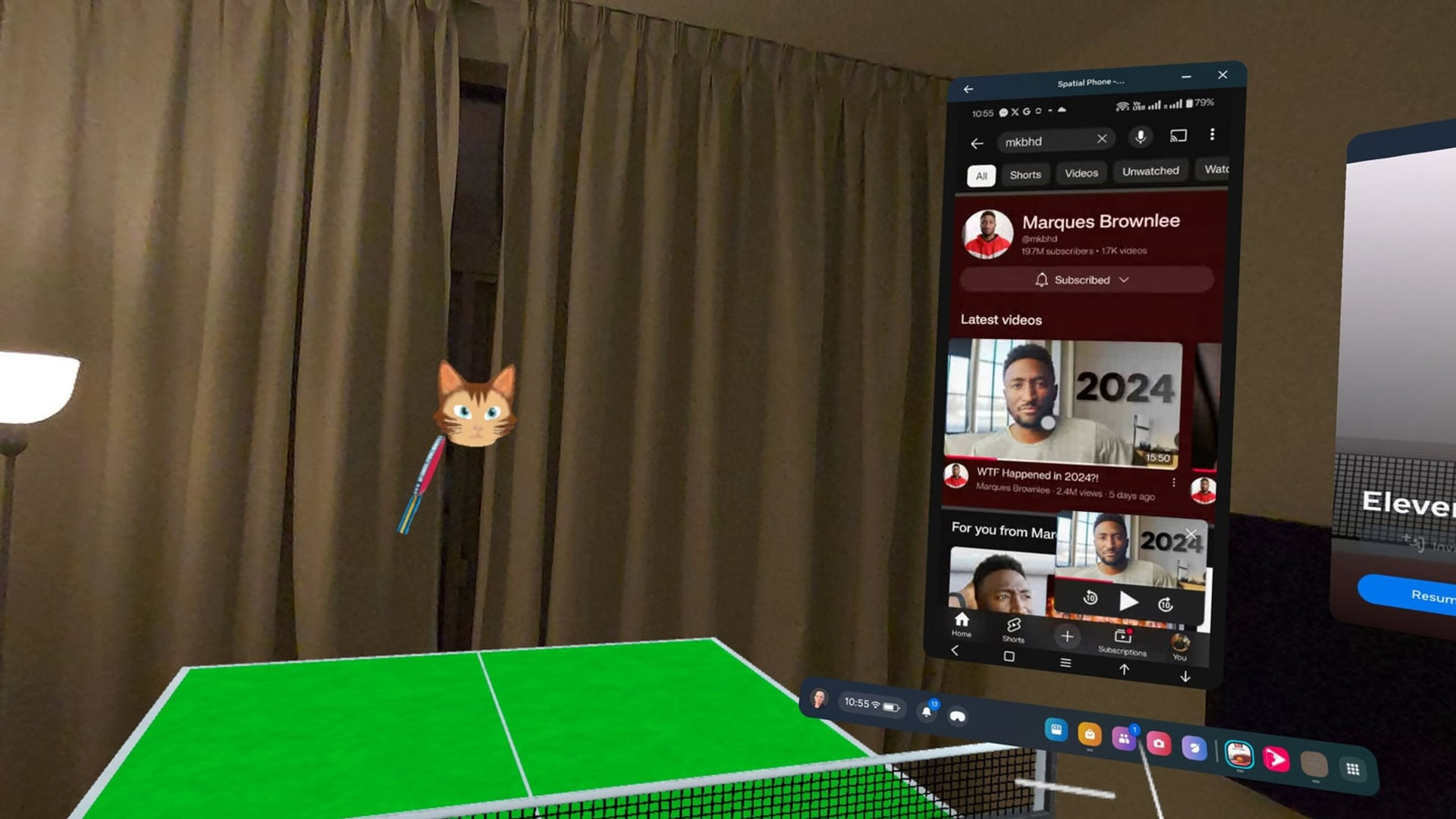
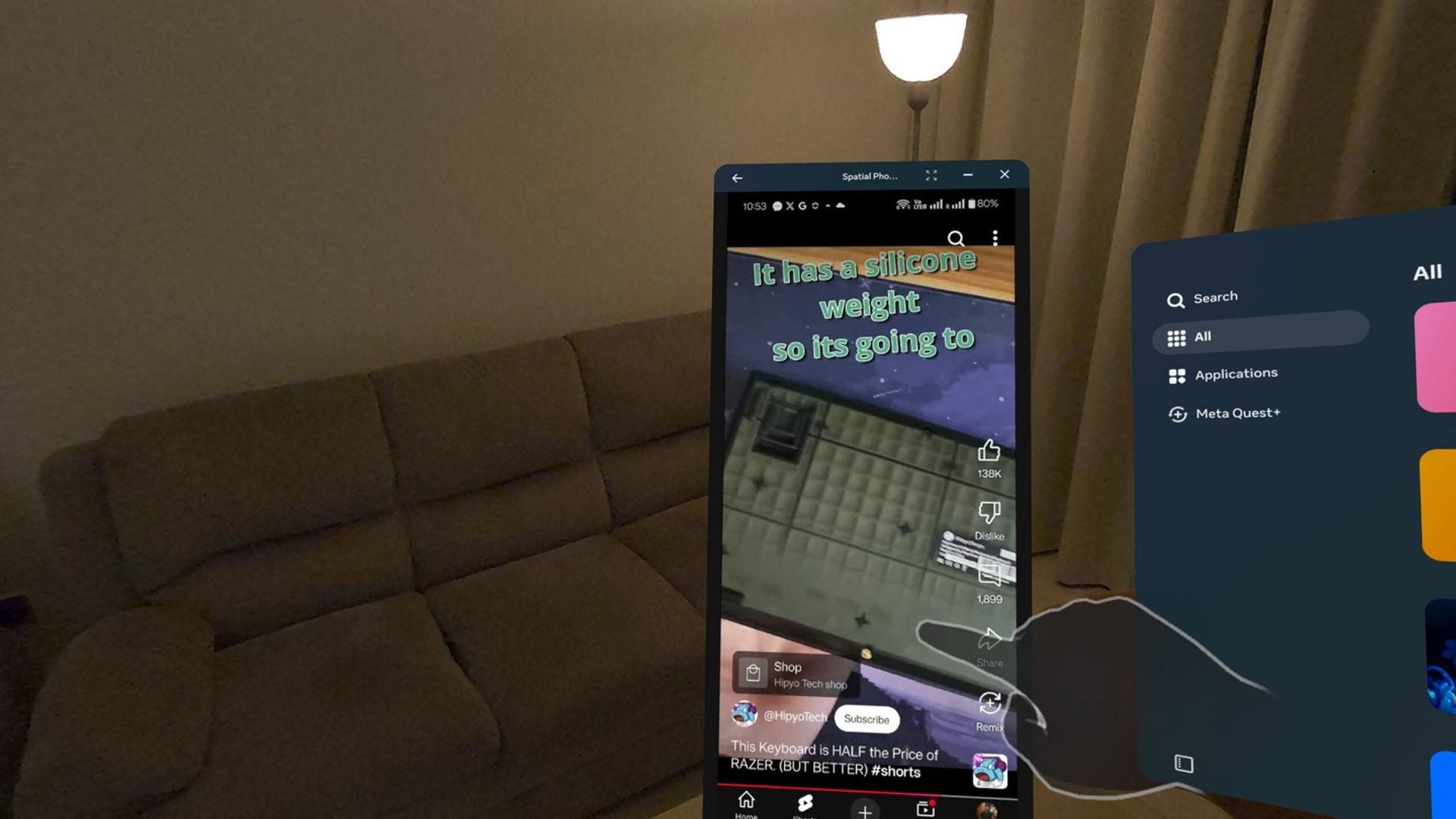
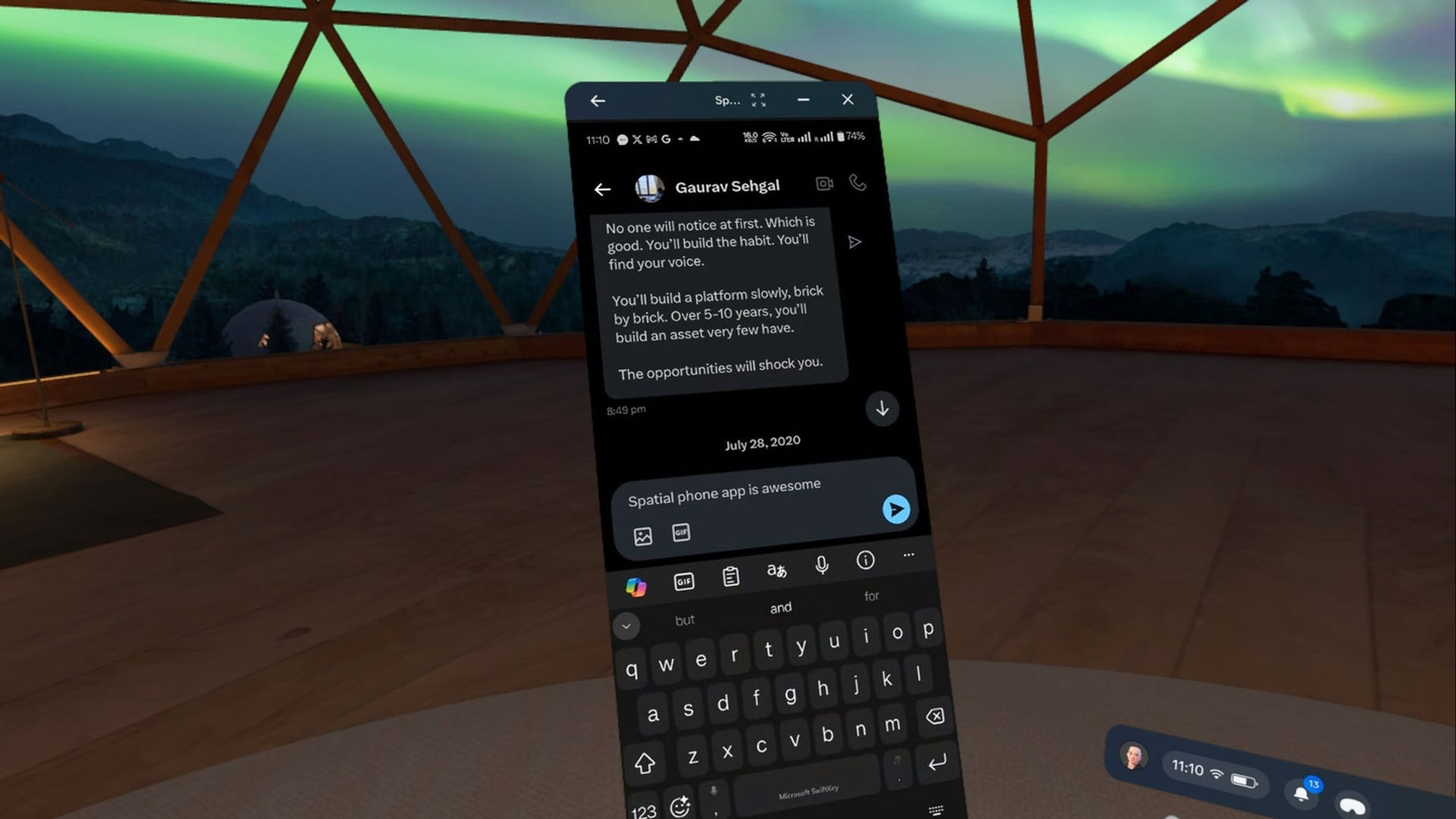
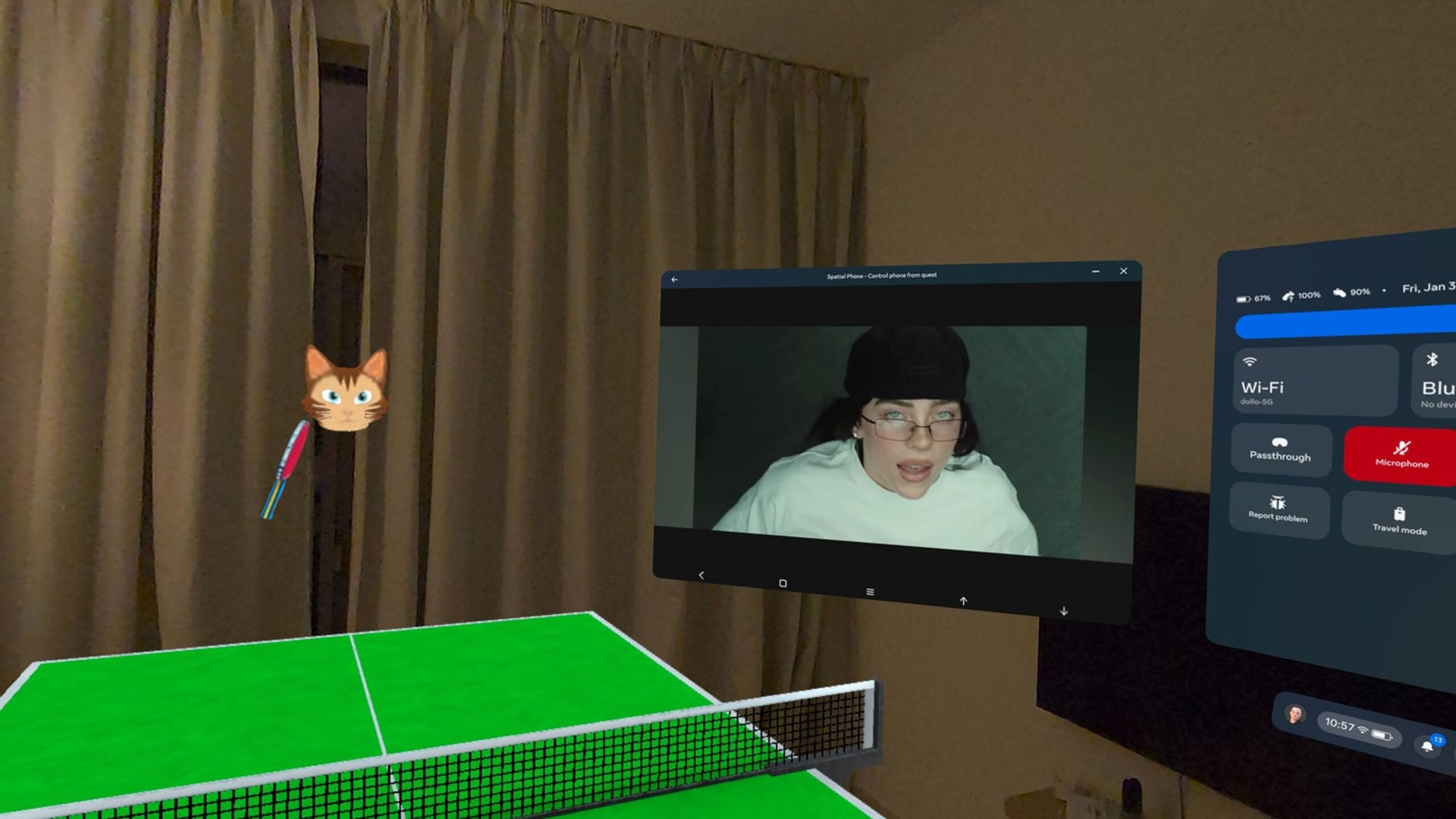
You can mirror and control your iPhone/Android phone directly onto your Meta Quest with high-quality passthrough and low latency. Use it in any app or game.

Note : iPhone needs to be paired with your Meta Quest each time you want to use the control feature. This is a limitation of the current technology and may be resolved in the future.

Features:

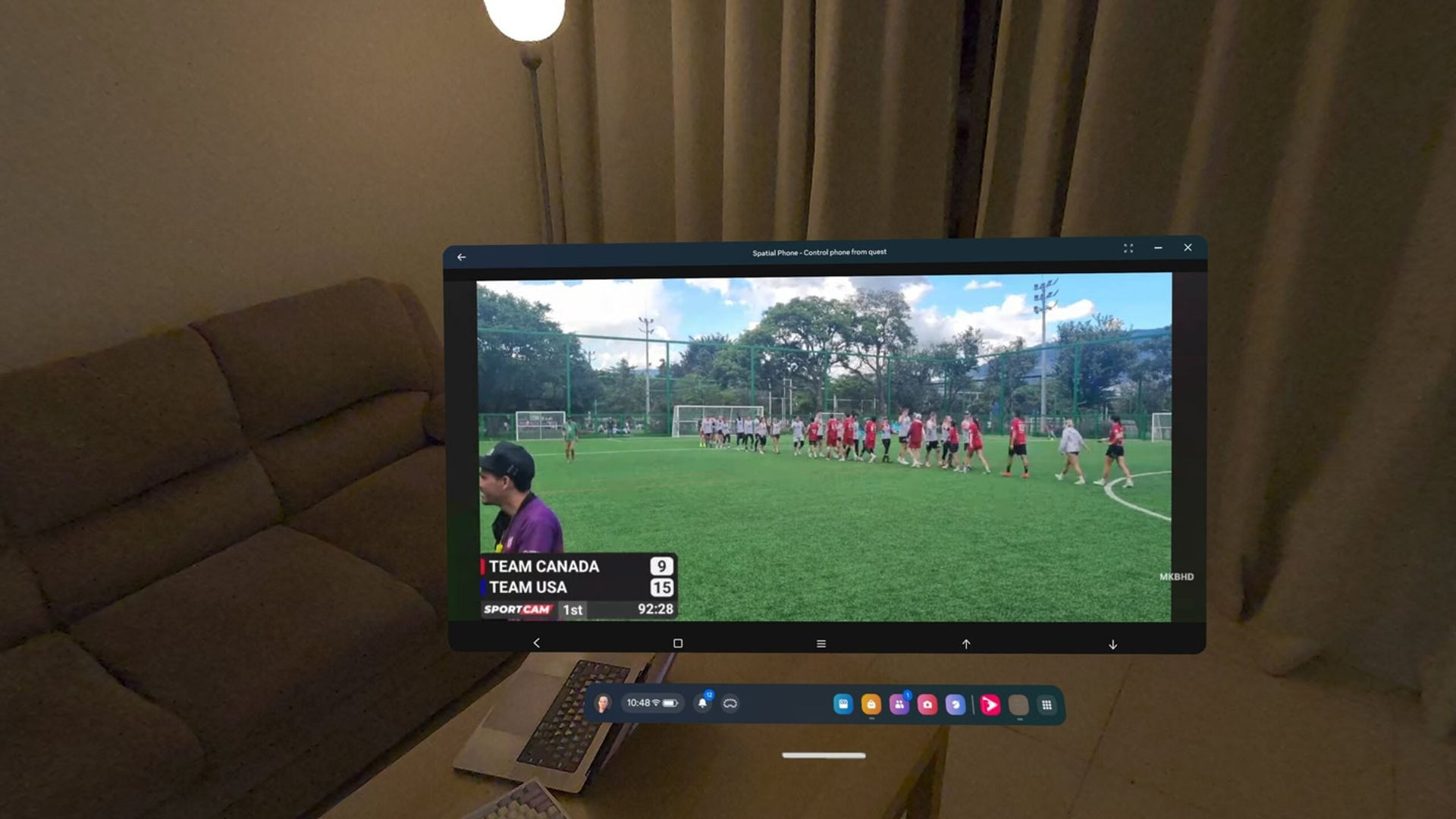
🔹 High-Resolution Passthrough {"height":1440,"type":"image","width":2560} Enjoy crystal-clear visuals of your Android/iOS device inside your Meta Quest headset with very low latency and stereo audio (40ms-90ms)

🔹 Can be used with other apps/games This app can be used in background with other app/games

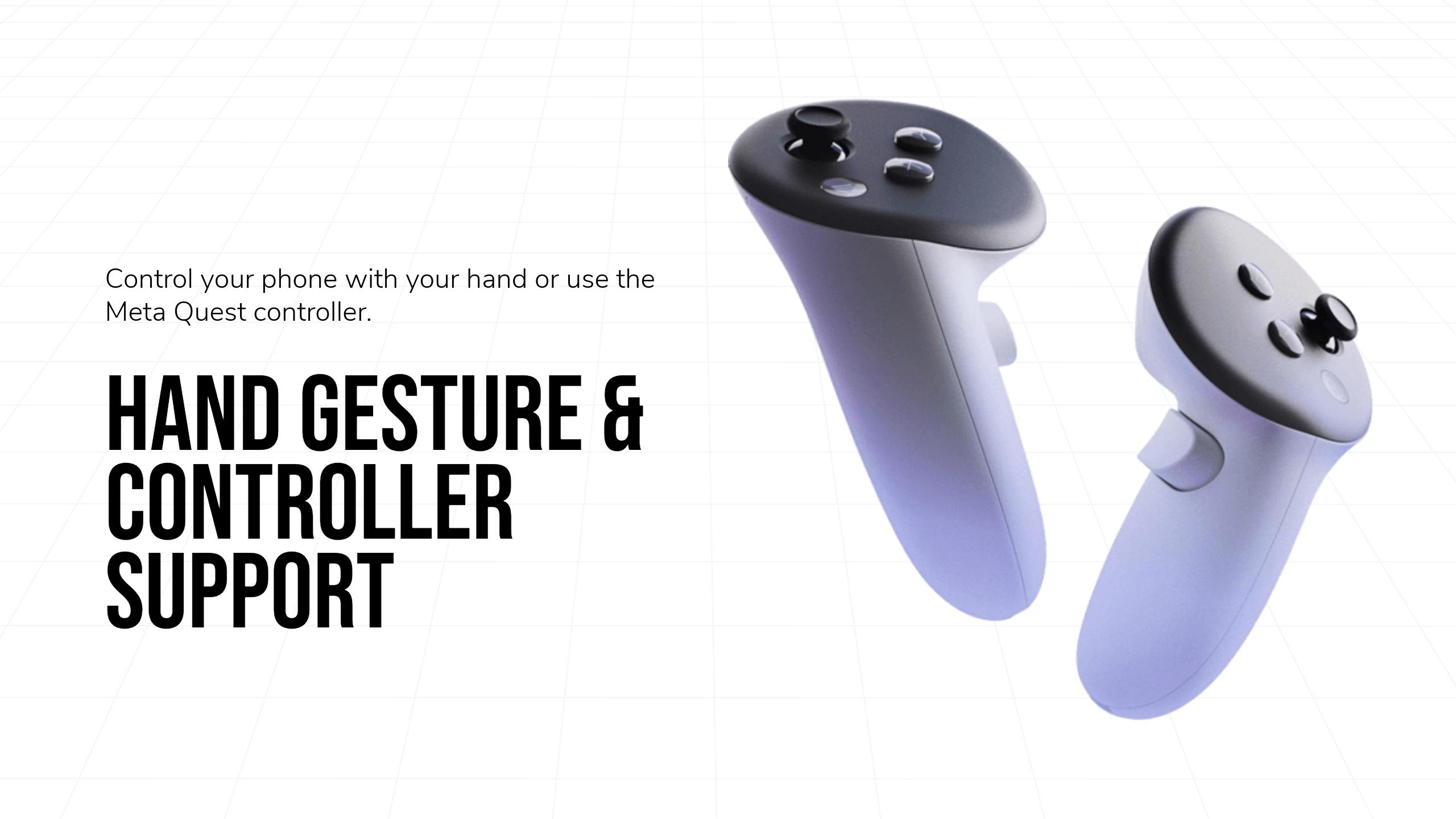
🔹 Control with Meta Quest Controllers {"height":1440,"type":"image","width":2560}
🔹 Easy to connect and private peer-to-peer connection {"height":1440,"type":"image","width":2560} Connect on the same network or internet without any custom setting. Your data stays private with end-to-end peer-to-peer connections. No additional data is collected or stored.

For additional help you can reach out on discord : https://discord.gg/99qgmSxUZ9

{"height":1440,"type":"image","width":2560} Requirements : iPhone or Android 8+ are currently supported.

The companion software is free to download.

显示更多 显示更少

支持的平台

更多详情

类型
玩家模式
游戏模式
语言

评分与评测

3.35

229 个评分

Oculus 评分

更新

Control your iPhone in VR — now available in beta!

2025年6月3日

I’ve finally figured out a way to control your iPhone in VR on your Meta Quest — something that was previously only possible on Android devices. You’ll be able to open YouTube, change songs on Spotify, or play light games without touching your iPhone. It works through a virtual touchpad in VR.…

玩家评测

BlaikoBits

2025年5月6日

1/5

FALSE ADVERTISING

Don't be fooled by the main video ad! The video suggests that you can scroll on your phone in meta and therefor not have to touch your phone. Basically showing that it takes input from Meta. This is false advertising right here. This App is worthless as it simply records your phone screen including the mic and you get horrific feedback.

84 人觉得有用

Sairai

2025年9月26日

5/5

Works perfectly fine on my Android phone

Sadly, many negative reviews are from people who didn't read carefully and were not able to setup the correct app permissions. The app is already providing you with easy buttons to enable touch interaction for example. You just have to tap there, are forwarded to the settings screen and just allow the respective setting for the companion app on the phone. High performance mode in my case suffers a little from artifacts but without it, the latency is slightly higher but image quality is fine. The developer is very kind and helpful on his discord server and continues to work on this app. Right now, it works already pretty good and is exactly like promoted.

62 人觉得有用

veecheech

2025年2月19日

5/5

Amazing

Spatial Phone is so useful! Sometimes I get really lost in VR and lose track of time, or don't notice that I've gotten a text from my wife. As long as I keep my phone screen on and unlocked, it's really easy to pop back to it and check! It's so simple to set up. I've also been lazy about setting up YouTube on my quest and sometimes as I'm browsing, or anything else within Quest home, I will put on a video or some music in the background. I highly recommend this!

39 人觉得有用

LordBritish666

2025年3月30日

5/5

Super Responsive Dev - 5/5

Works as advertised, think Windows Remote Desktop but for your phone. Good app and amazing capabilities given the limitations of trying to run an Android phone remotely via VR so there are some quirks, i.e. 1) when you start the app, don't press the "back" button on the first launch from the VR app or physical phone, because that shuts the app down on the phone and glitches the app in VR; 2) phone screen must remain on in order to use it in VR because if it turns off, VR will also show a black screen mirroring the phone, where you will have to wake it up again and put in your passcode/biometric/unlock pattern; 3) the phone app settings requires permissions that are not asked during install and first time launch, where they can only be found in the "Accessibility" settings on the Android phone, and such. Having said that this is probably the only kind of app that does this and kudos to the dev for making this work. Dev is super responsive on Discord with my problems and personally helped me out when I was stuck. Well done and looking forward to better versions in the future!

37 人觉得有用

Mustang_T

2026年3月26日

4/5

Awesome app..

**UPDATE** the app or headset will cause a disconnect when not viewed for approximately 20 minutes or so or if your phone screen gets closed or times out. Spatial phone mega your phone to be open/ awake.. so make sure to have it set to not go to sleep for however long you'd like to saves it through your headset. To keep it from disconnecting, an option I was shown was to use the multitasking tab feature that the meta Quest has. It's where you open your meta quest menu from your right controller (usually by pressing and holding the button with the three lines) then you can just pin that menu above your head and out of sight. It is pretty cool to have full access to your phone through this app. Anything that you can do on your phone, you can do through this app.. send text messages, make calls, watch shows and movies, play games, emails, etc.

35 人觉得有用

在 Meta 上查看全部评测

相关游戏

WiVRn WiVRn
  • 实用工具
  • 电脑连接
WiVRn

免费

ALVR ALVR
  • 实用工具
  • 电脑连接
ALVR

免费

发现

浏览

博客