


关于

发行日期

2025年4月21日

发行商

Motorola Mobility

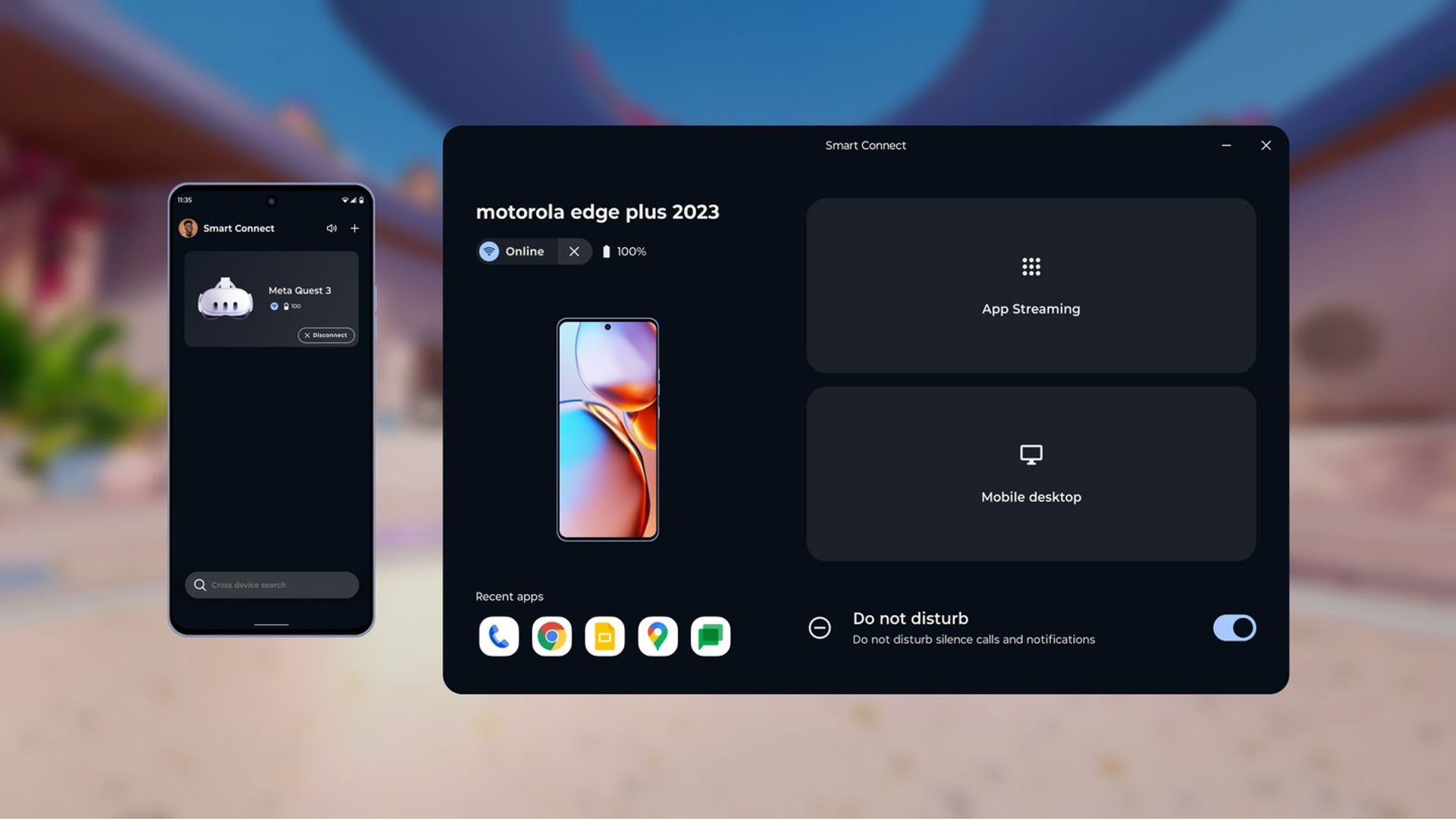
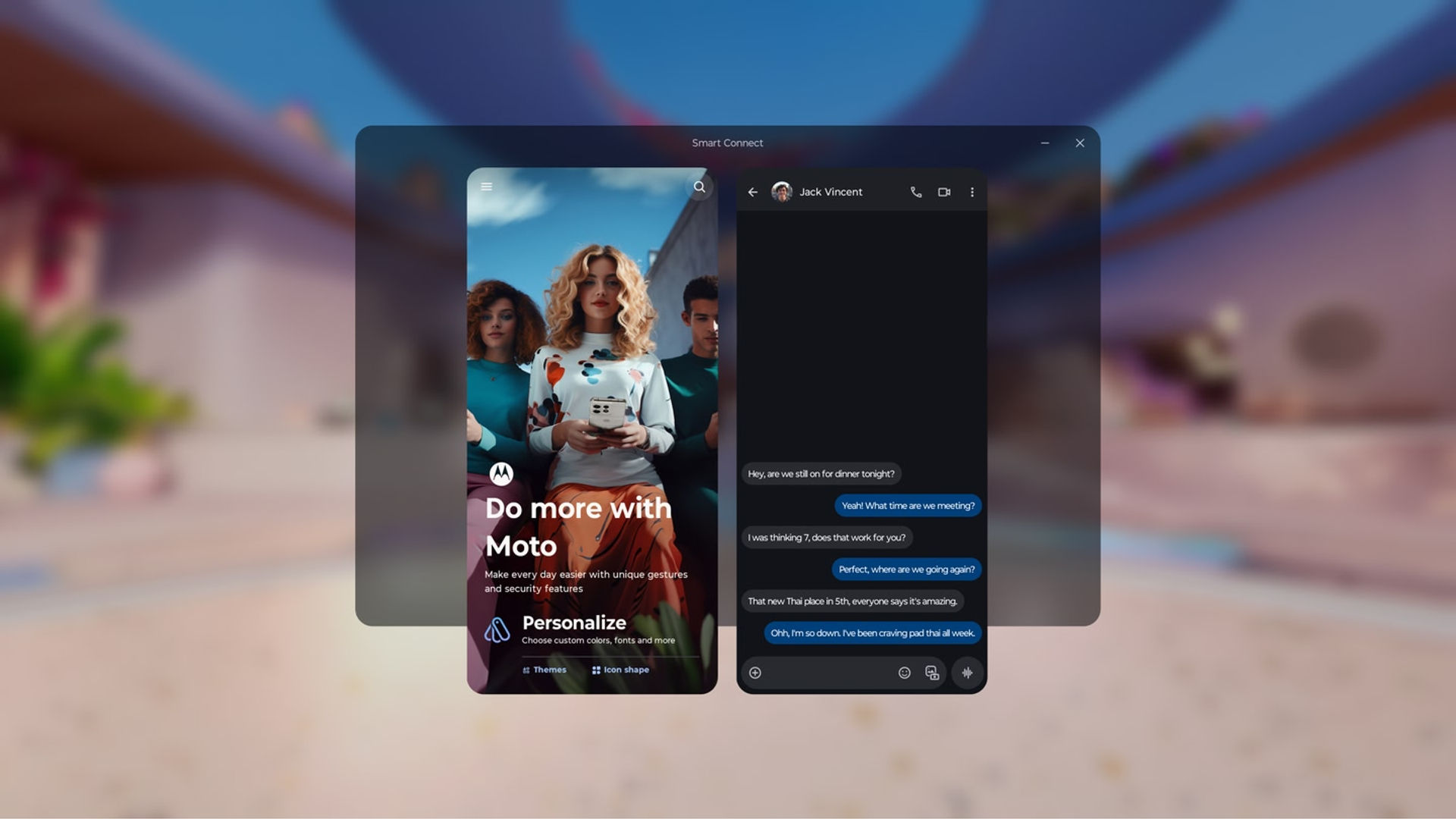
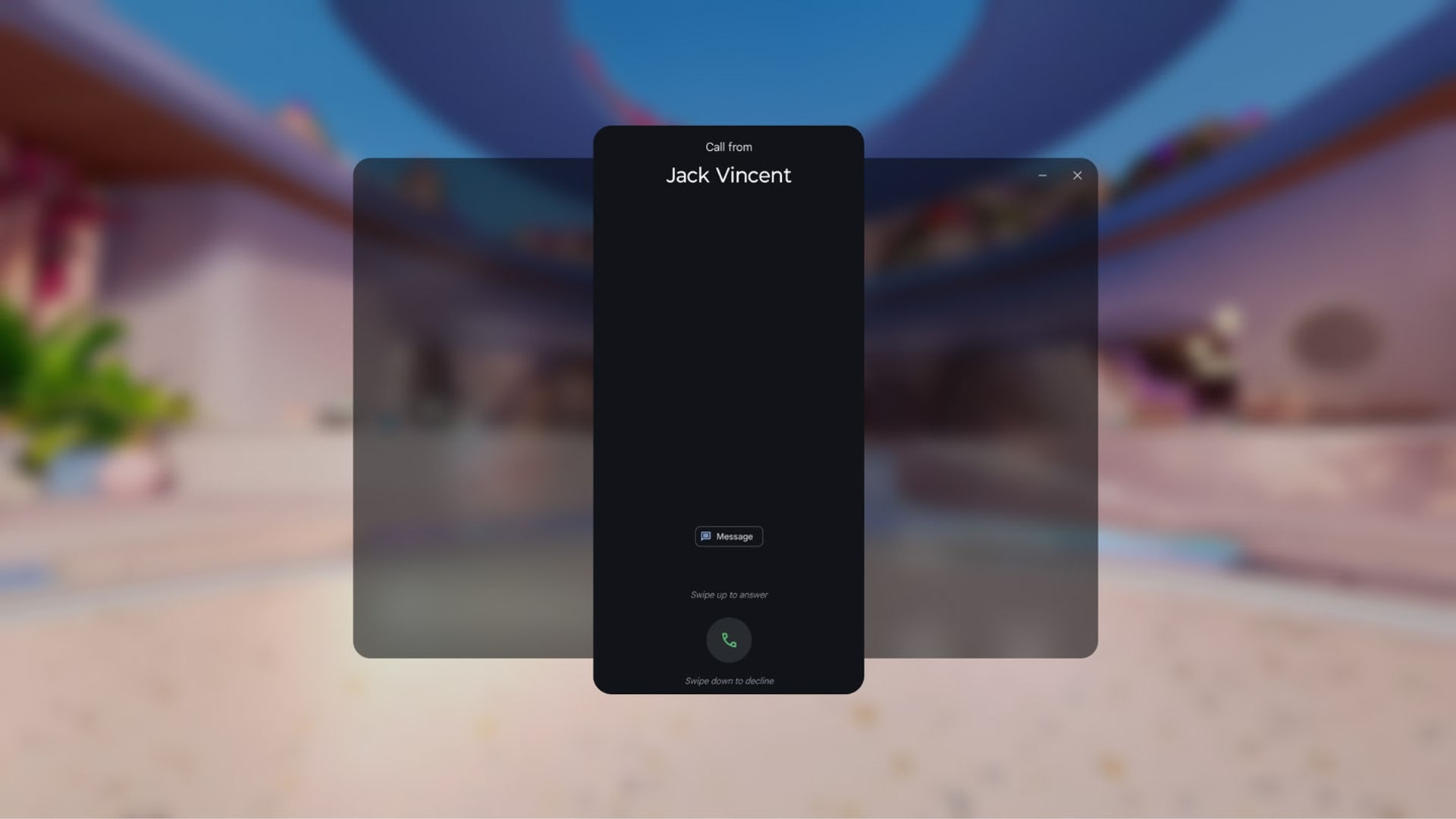
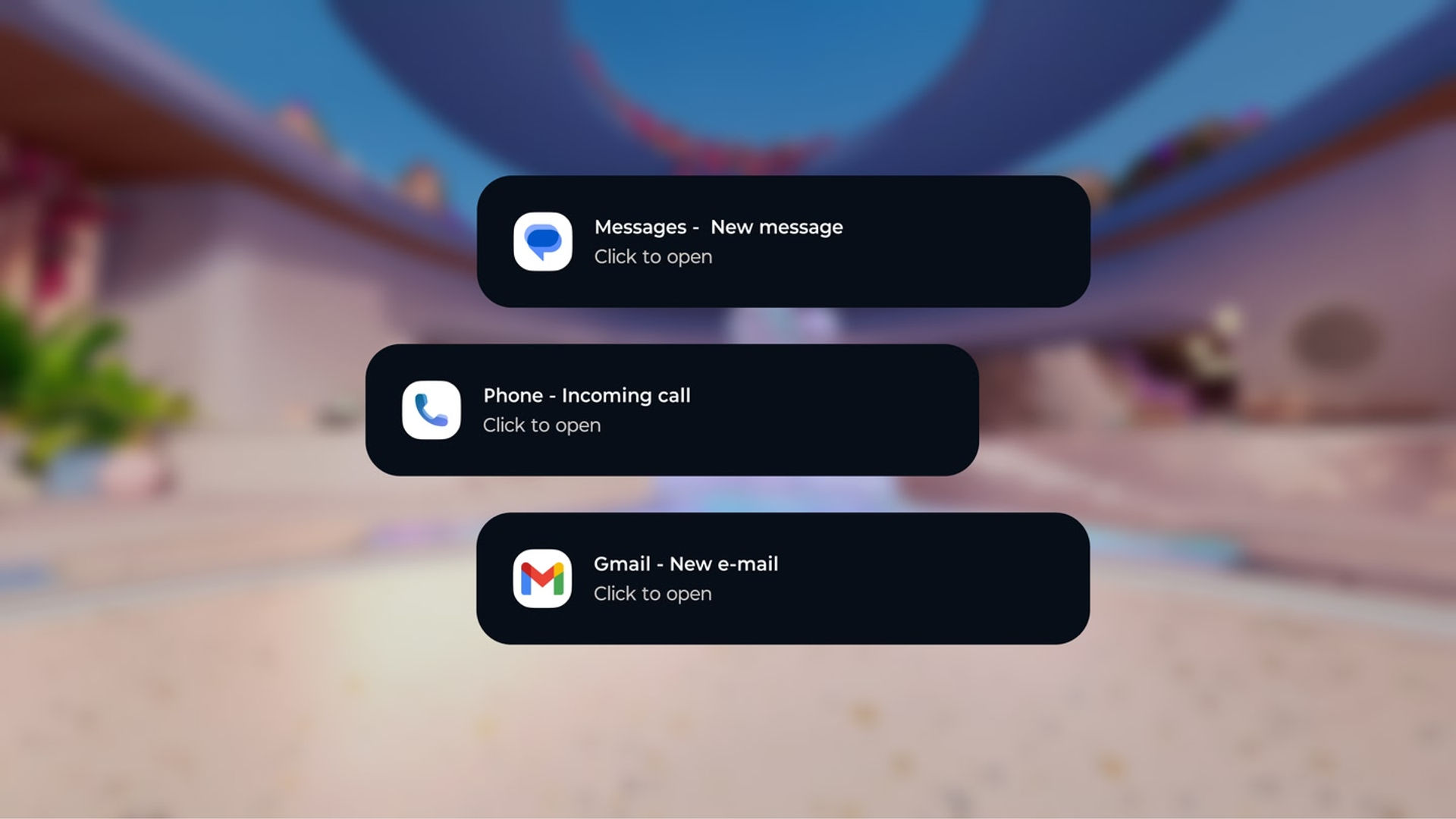
Smart Connect brings your personal ecosystem together like never before. Designed for seamless multitasking and device control. Whether you're streaming apps, searching for files, or managing accessories, Smart Connect simplifies the way you interact with your devices.

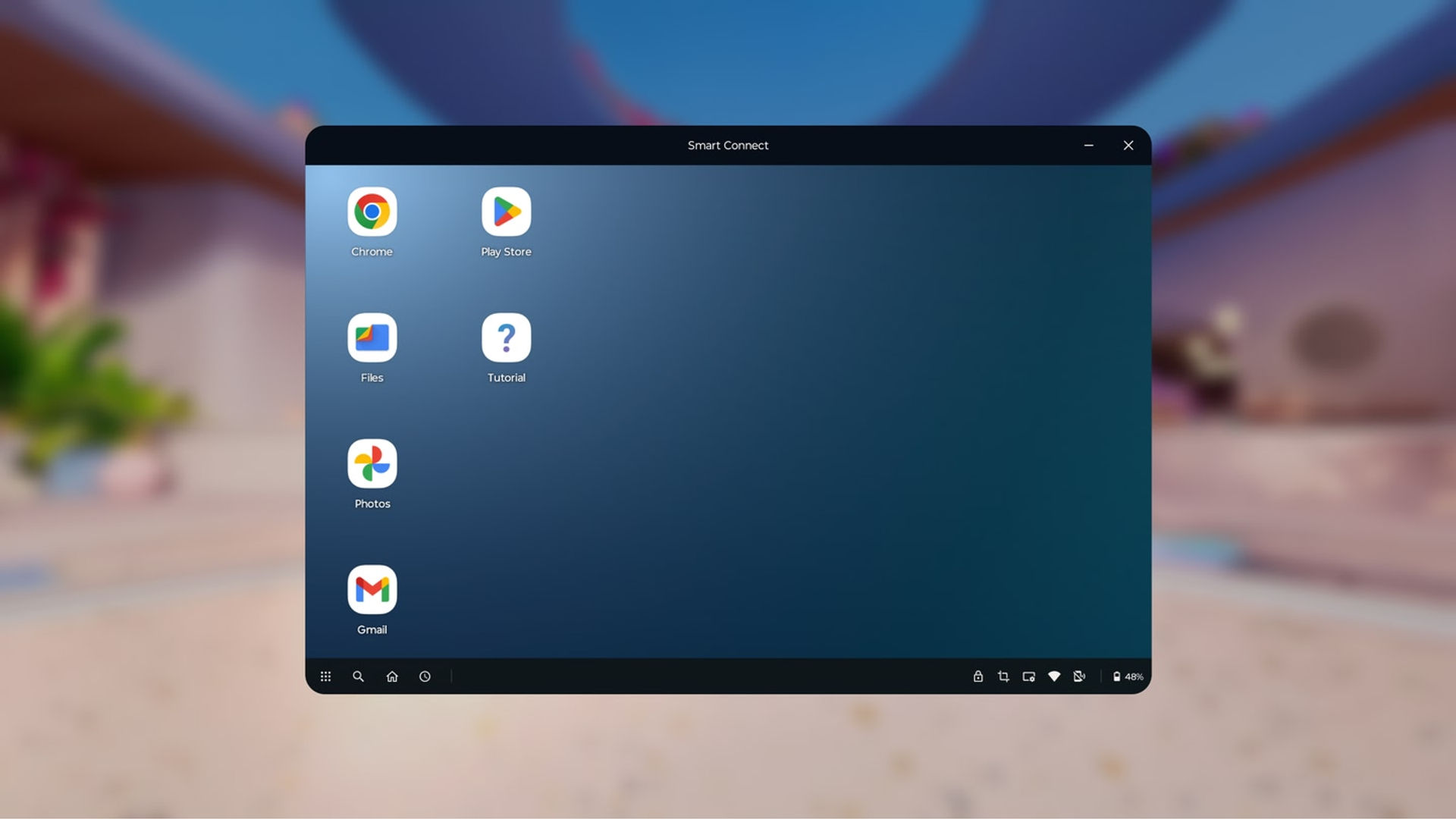
Key features: • Pair your phone, tablet, and PC to unlock cross-device control • Connect to smart TVs and displays for a lean-back experience • Manage Motorola accessories like Buds and Tag from a single dashboard • Find files and apps instantly with cross-device search • Stream Android apps to your PC, tablet, or display • Use Share hub to transfer files and media between devices • Start Cross control to use your tablet as a second screen • Includes advanced features like Webcam and Mobile desktop • Now available on Meta Quest and third-party Android devices

A Windows 10 or 11 PC with Bluetooth and a compatible phone or tablet is required. Smart Connect requires elevated permissions to install and use this app. Feature compatibility may vary by device. Check if your phone or tablet is compatible:
https://help.motorola.com/hc/apps/smartconnect/index.php?v=&t=help_pc_compatible

显示更多 显示更少

支持的平台

更多详情

评分与评测

2.45

31 个评分

Oculus 评分

玩家评测

TheForbinProject

2025年4月22日

3/5

Okay, but with caveats

I have 2 phones, a Pixel 9 and a Moto G Stylus (2024). This app does not (currently) work with my Pixel, but does connect to the Motorola. Connecting is not ideal in that you must scan a QR code on your phone with the Quest. Once connected you can change the resolution of the phone's display as well as orientation (landscape or portrait) within the app. The app provides 2 ways to interact with your phone. The first allows you to launch individual apps. The second gives you a desktop mode. Both work okay. The biggest issue is that you must turn down the phone's resolution to the lowest setting, otherwise the text is nearly unreadable, even when in Quest's large-screen "Theater Mode." The developer needs to optimize this experience for VR because the small text hinders the usefulness. Also, every time you interact with your phone, it sets off an audible notification so you'll want to silence those. It's a good start, but the devs really need to tweak the experience for VR.

41 人觉得有用

Grenulus

2025年8月30日

5/5

This is awesome

The bad reviews are from people who don't realize you need a Motorola phone that supports Smart Connect for this to work. That being said, this is an amazing app if you do have a phone that supports Smart Connect. I can now text and interact with my phone in a virtual window, in both phone and desktop mode. I'm never taking my headset off again.

32 人觉得有用

My.king

2025年4月25日

1/5

1 for no Awareness

why is it called Smart Connect? Big joke While Apple is the #1 phone in America and Samsung is #2 and Google is #3 why would you give someone a app that only does Motorolla phones 🤦‍♂🤦‍♂🤦‍♂🤦‍♂🤦‍♂ I gotta give this a 1 for lack of Awareness💯

10 人觉得有用

Jadranko.K-K

2025年5月1日

4/5

Functional with minor issues

I was very eager for this app to come out. The setup process is easy, you scan a QR code and go through a couple of steps on the phone. There are different ways in which you can use the phone: you can pick an app and run it or you can open "Desktop mode" and have multiple windows like in a computer. I find the Desktop mode less appealing for low-end phones, but app streaming is very useful. You can also choose if audio will be played through the phone's speakers or on the headset. You can feel a bit of latency in the controls but it seems good enough for simple interactions with the app. Apps open in portrait mode, showing you a view in the same screen format as your phone. My biggest gripe with the app is that you the app is a 4:3 windows on Meta Horizon OS and you can't resize it. This means that if your phone app is in vertical format, you'll see it sided by two black bars to fill the whole 4:3 space. Also, the text is likely to be too small to be read. The main workaround at the moment is to press the "maximise" button, which makes the Android app take the space of the entire Horizon OS window, which removes the black bars and makes proper use of the window space. I very much hope they'll enable us to resize the Horizon OS window like you can do with many other Meta apps. I'd like to run my phone apps in their typical portrait aspect ratio. The main use case for me is to be able to keep an eye on messaging Android apps that aren't available from Meta's store, things like Telegram.

9 人觉得有用

Andy73

2025年4月25日

1/5

App will not install

App will not install on headset Update: installation became an option the day after I wrote my initial review, so I installed the app. During setup, pairing phone with VR headset wasn't a listed option, so I tried updating the app on my phone per instructions, but the app was already up-to-date. So, still unable to use the app.

9 人觉得有用

在 Meta 上查看全部评测

相关游戏

RAUM RAUM
  • 生产力
  • 活动
  • 创意
RAUM

免费

发现

浏览

博客