charles.pickett.56
December 31, 2018
Vr canvas
Useless without a save option All work gone
12 found this helpful

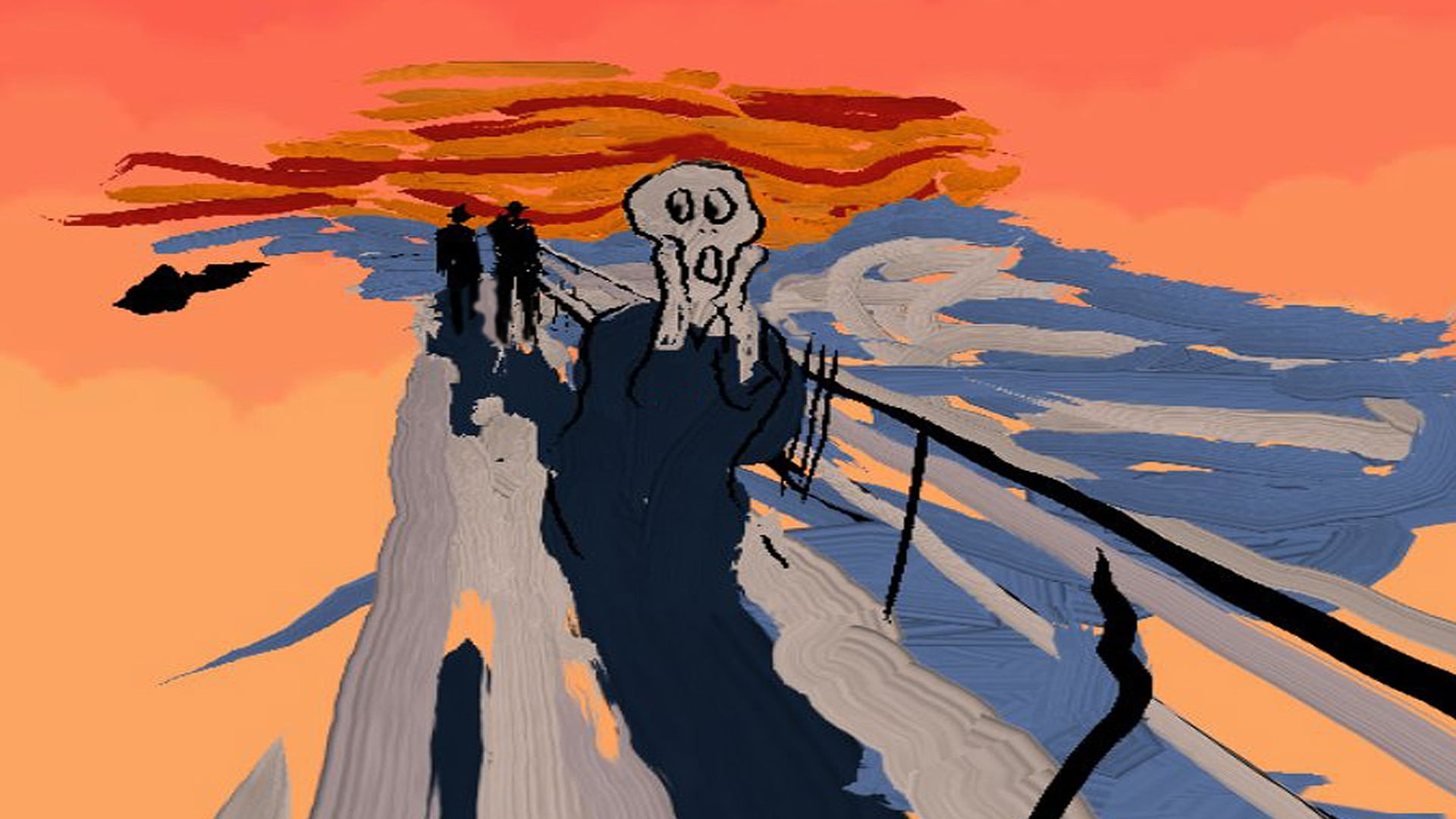
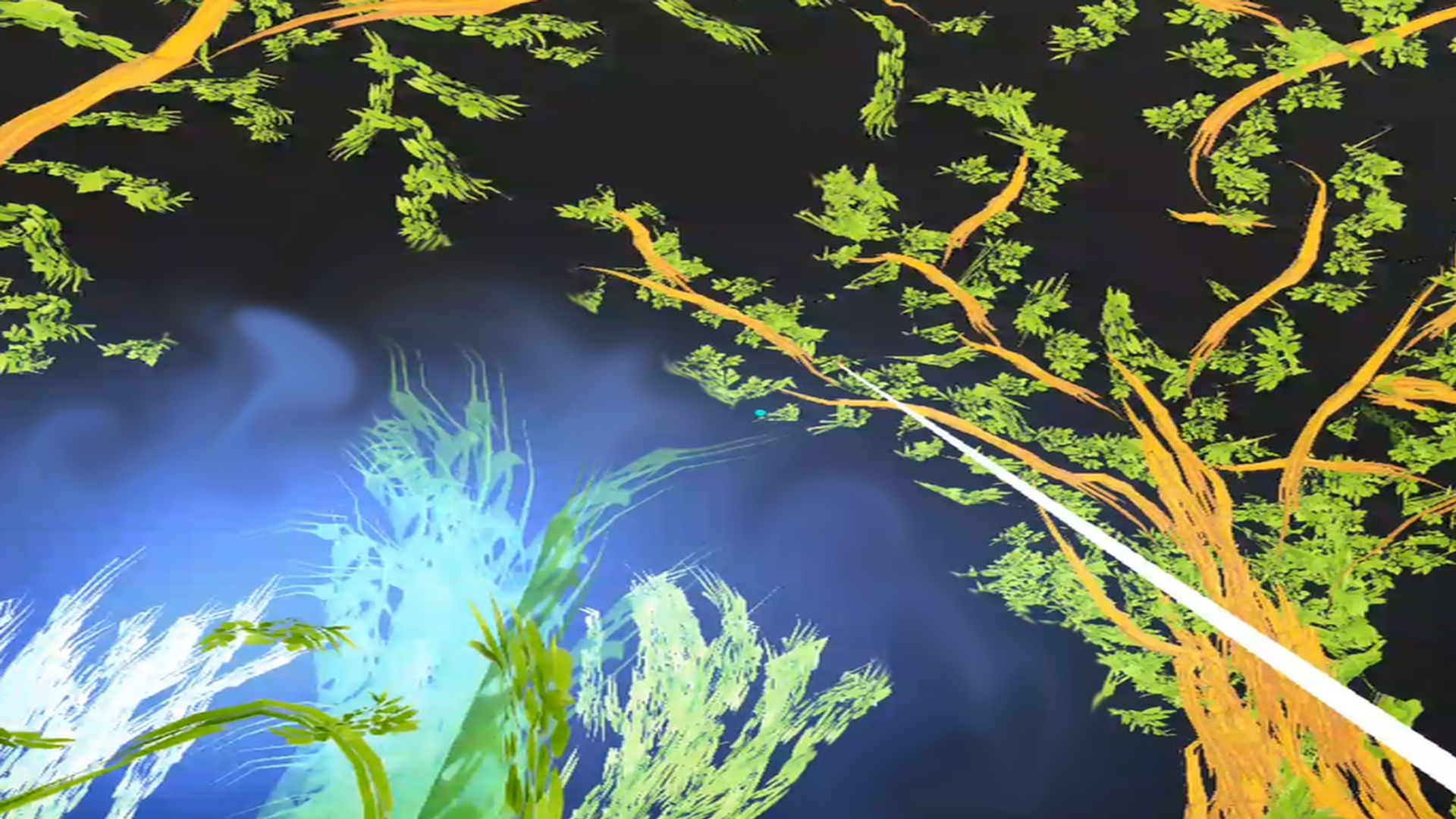
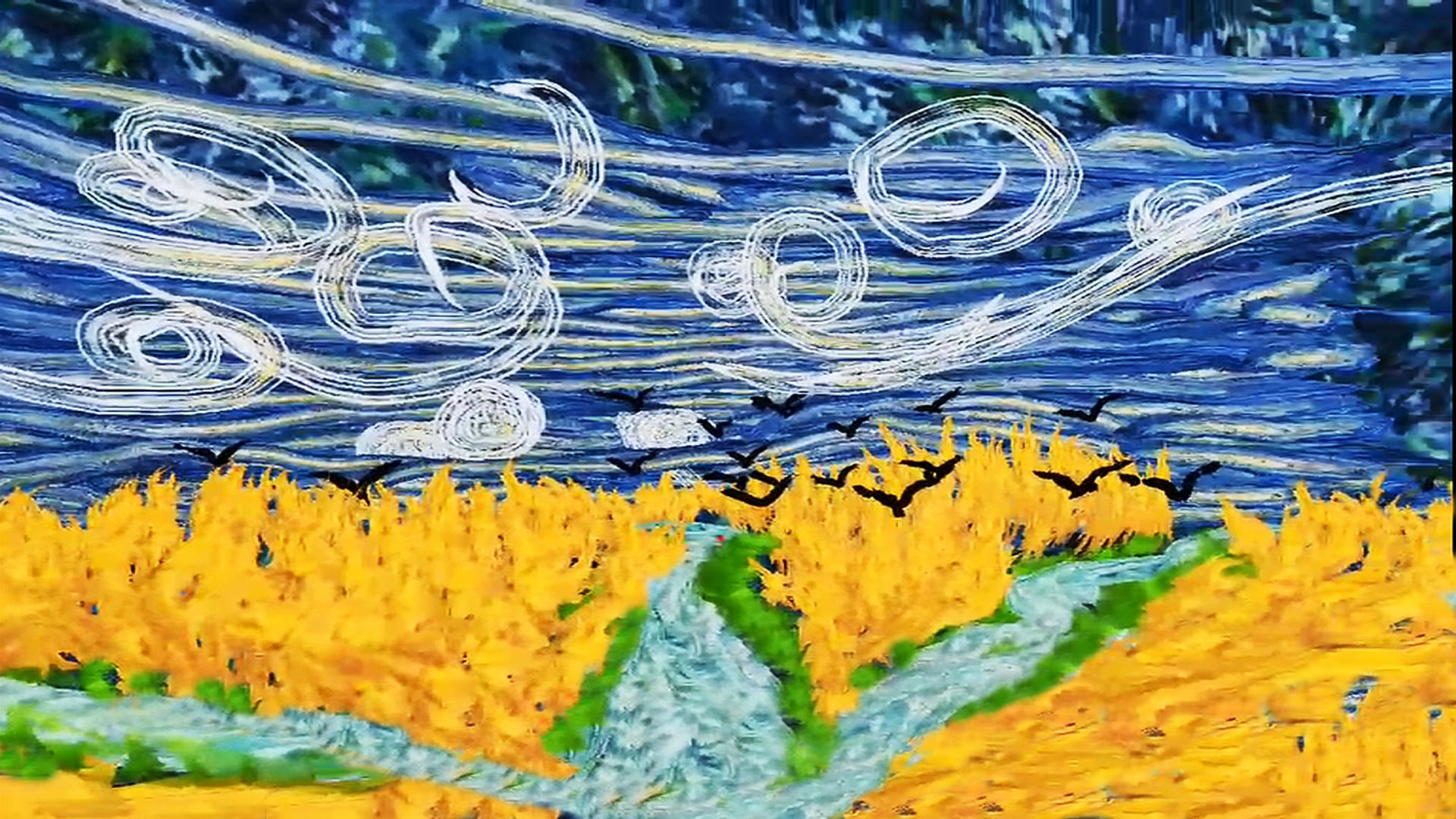
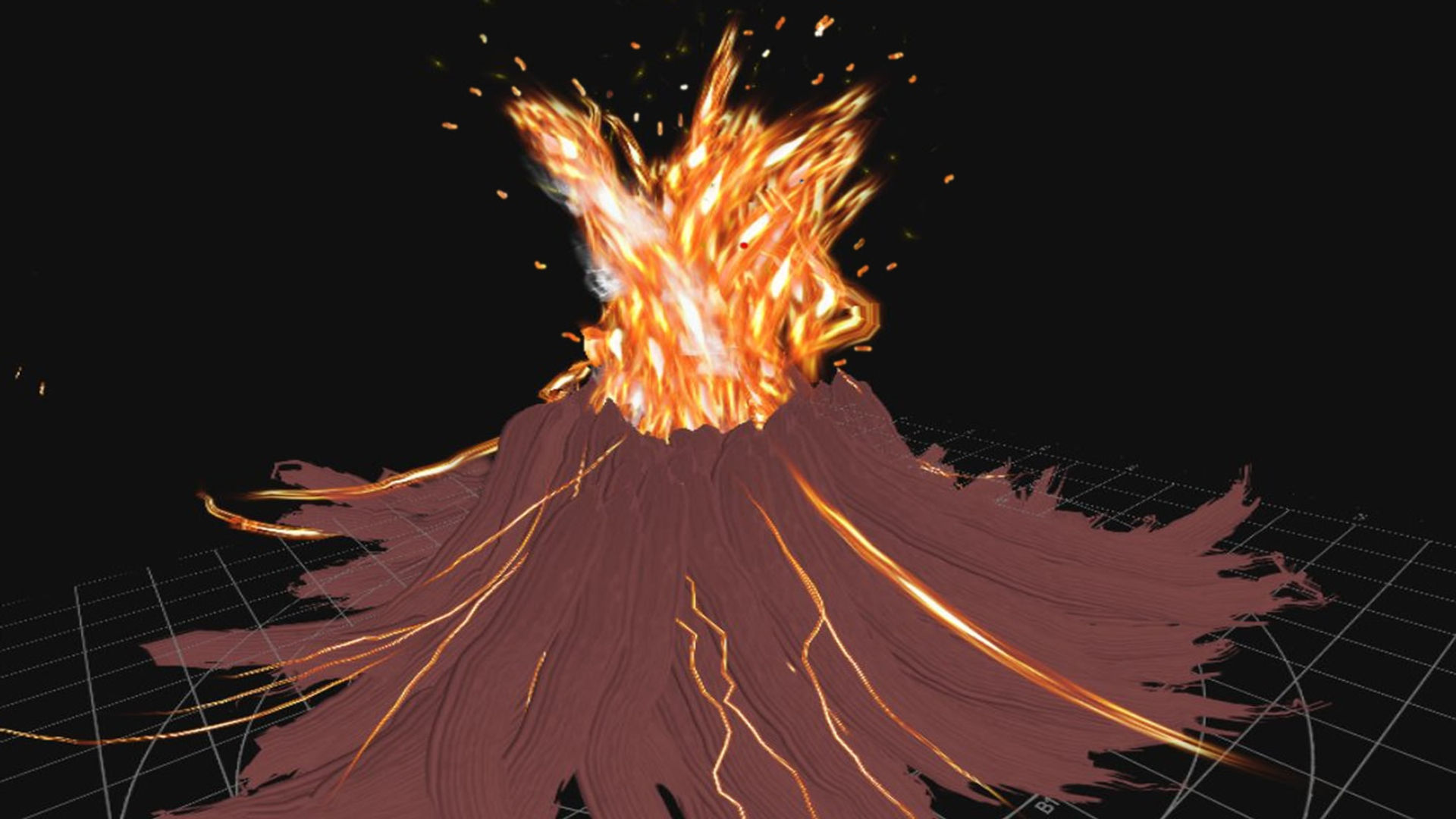
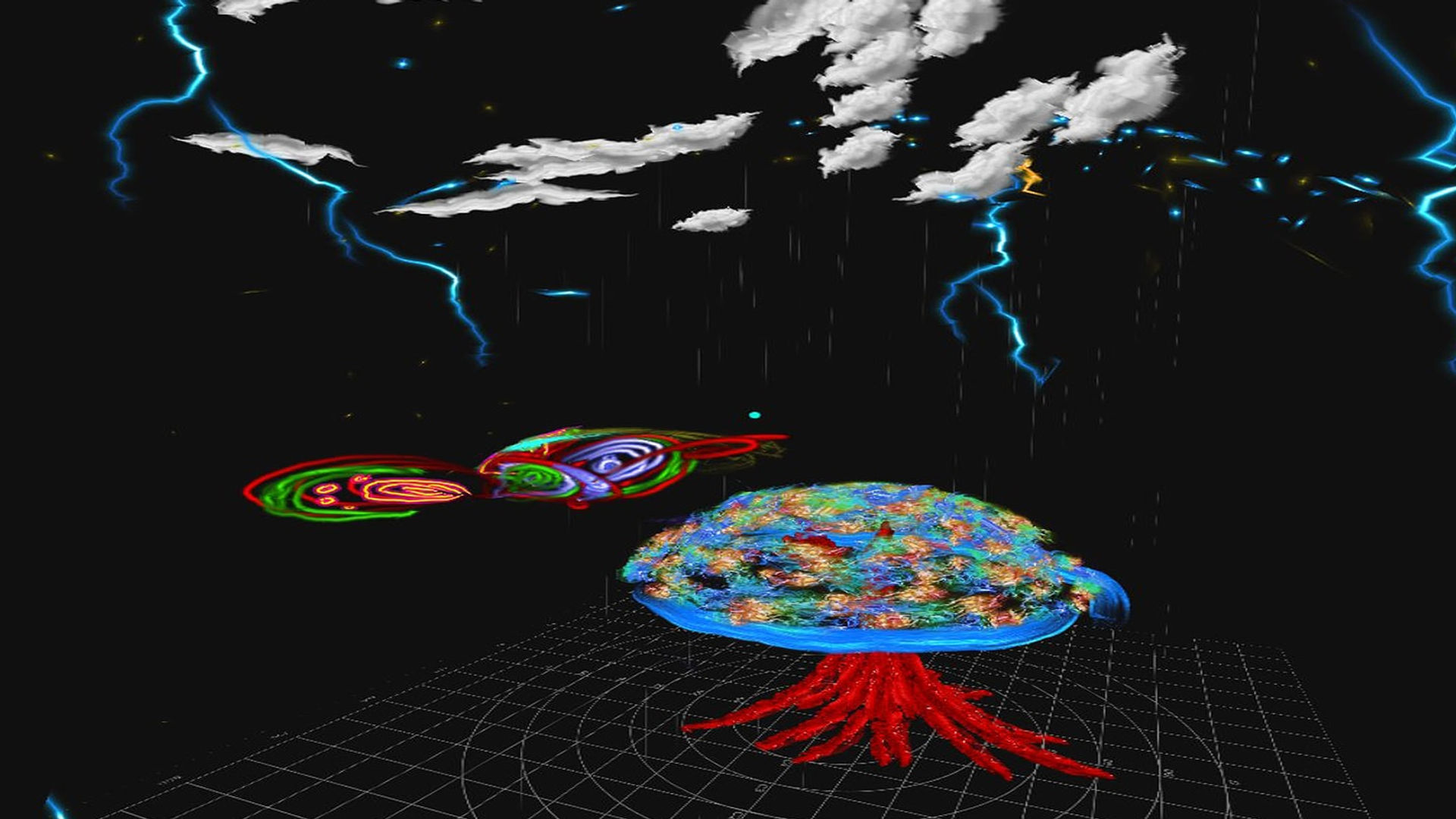
Experience immersive painting, feel psychedelic colors as you have never before! Artists and creators get ready to lost in Dreams.
VR CANVAS lets you paint in 3D world space with full control over all 3 axis. Unleash your creativity with 3D intuitive brush strokes, experience vibrant colors, use animated brushes for fire, smoke, leafs and even tiny little stars.
Your headset is your canvas and the controller your brushes. Your palette is your imagination.
The possibilities are endless.
● Art faster with intuitive brushes. ● Walk and draw. ● Draw animated fire, smoke and more 14 effects. ● Change brush sizes. ● Change brush distance. ● Draw lifting yourself up or down. ● Use animated rain, snow, spooky fog. ● Choose from 7 different backgrounds. With music.
December 31, 2018
Useless without a save option All work gone
12 found this helpful
October 18, 2019
I must say despite all the limitations of a mobile app, and one silly controller, this app cleverly executed the marvellous world where dream and reality merged together. For 3.99 this is something more than my expectations. But it really needs a lot of practice.
8 found this helpful
March 12, 2018
There's no U.I just a plane ground nothing else nothing shows up. Anything I push makes it move toward thats all I can do. And I was really looking forward to this app
5 found this helpful
February 21, 2018
My main problem is that I can not save my work to return later. Another issue I have is there are a limited number of strokes, and it takes one away for each time you move or click an option in the menu. Also, the menu does not function very well. But I do like the music in the space background. Very Rick and Burp*Morty!
5 found this helpful
April 17, 2020
This app could easily be 5 stars, but there are just a few things that lower the rating. There are many choices for types of brush styles, but selecting your own colors can be a bit awkward. You basically have to choose your color and brush style using a tiny blue dot which is difficult to see. Also, moving around your 3d drawing is practically impossible, as when you push backwards on your controller to get a better view of your creation, nothing happens. You can only move forward. So you actually have to walk 360 degrees to get a better view, and then you are entirely out of place, so continuing right where you left off is well nigh impossible. If they fixed those two issues, it would definitely be 5 stars. Having said that, it is still a pretty cool program and I dont regret my purchase. For an easier to use vr paint program, try GoPaint instead.
4 found this helpful

$4.99
Free

Free

Free
$3.99