






Об игре

Дата выхода

8 июля 2025

Издатель

Zoom Communications, Inc.

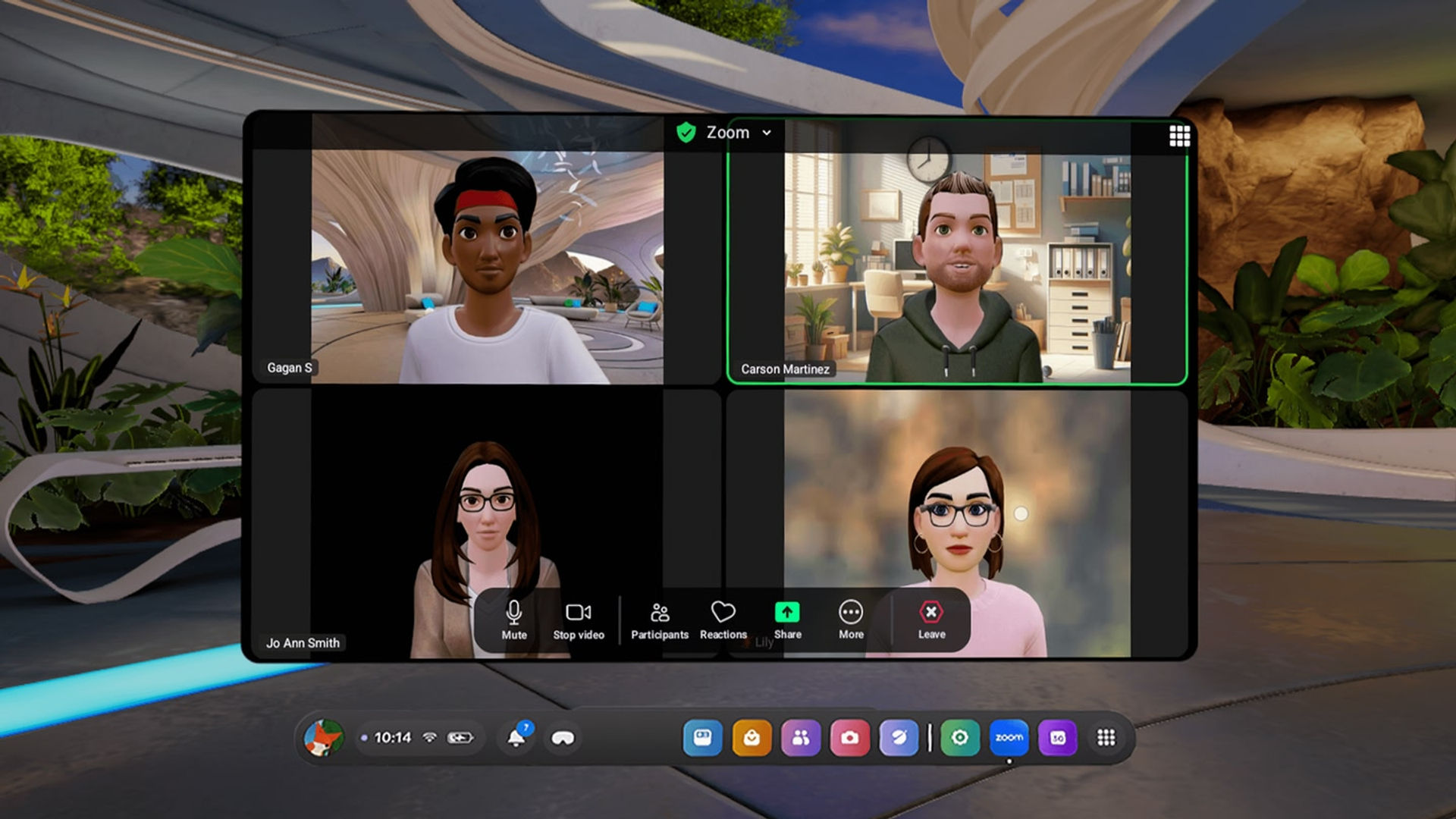
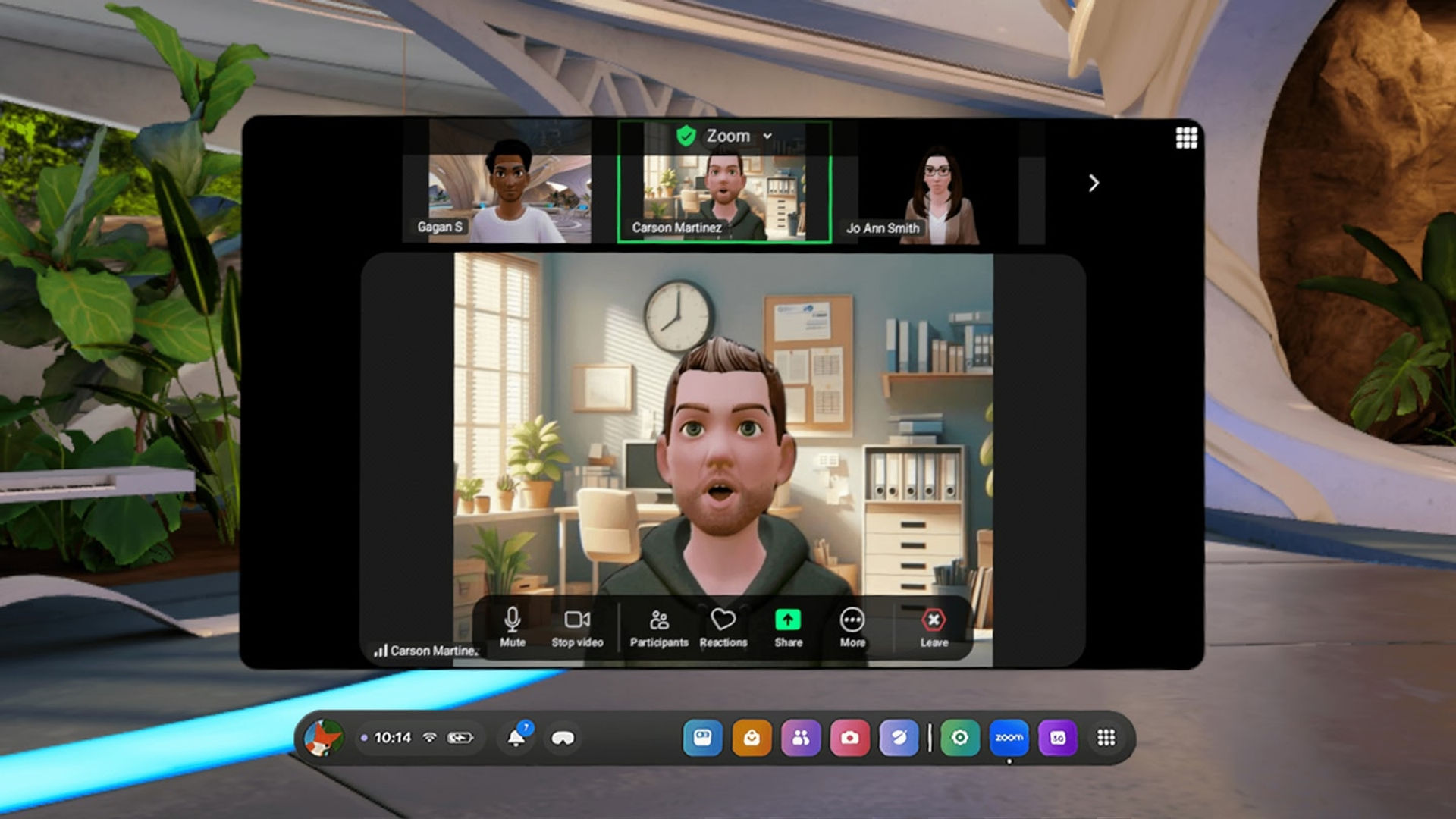
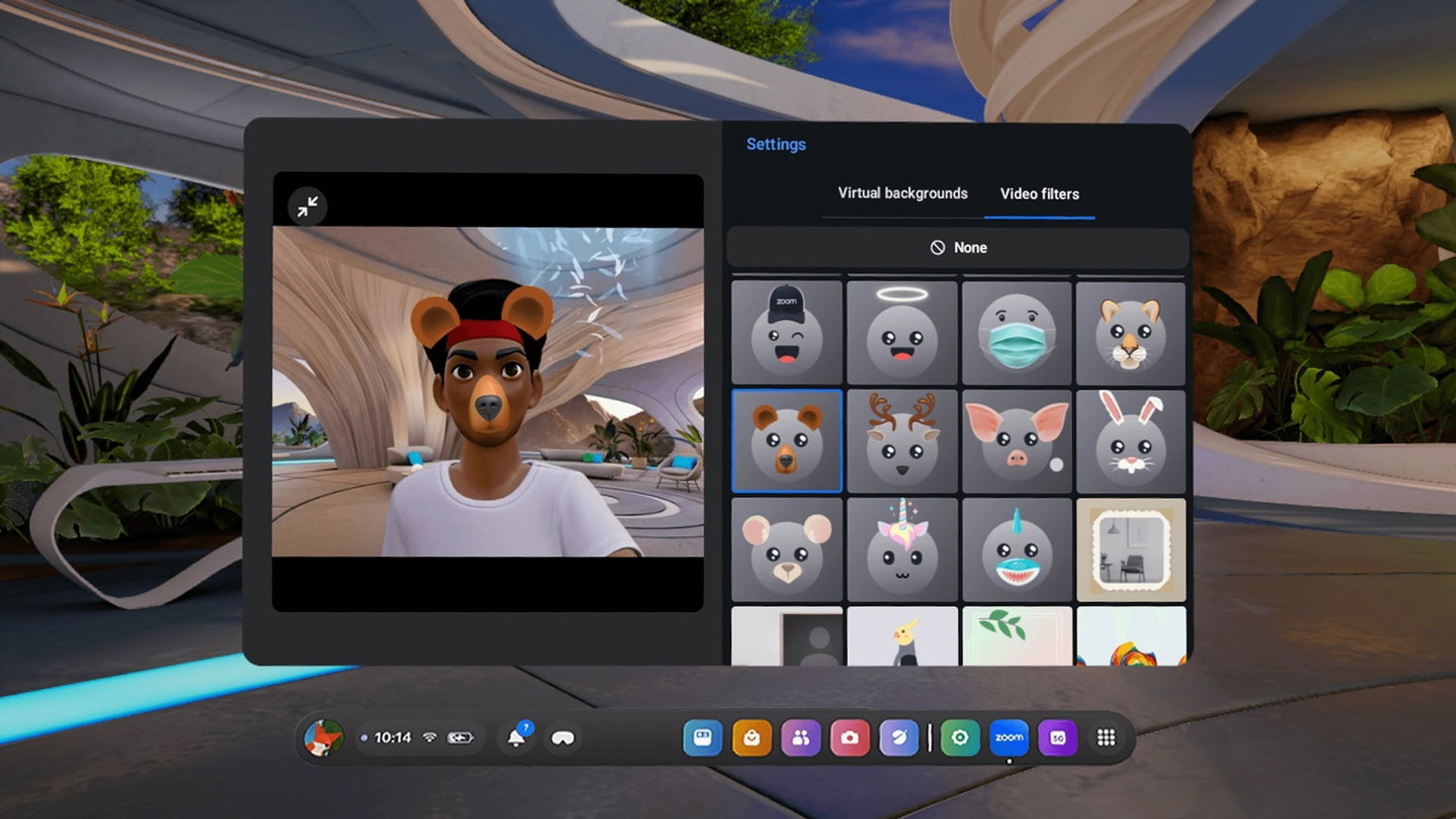
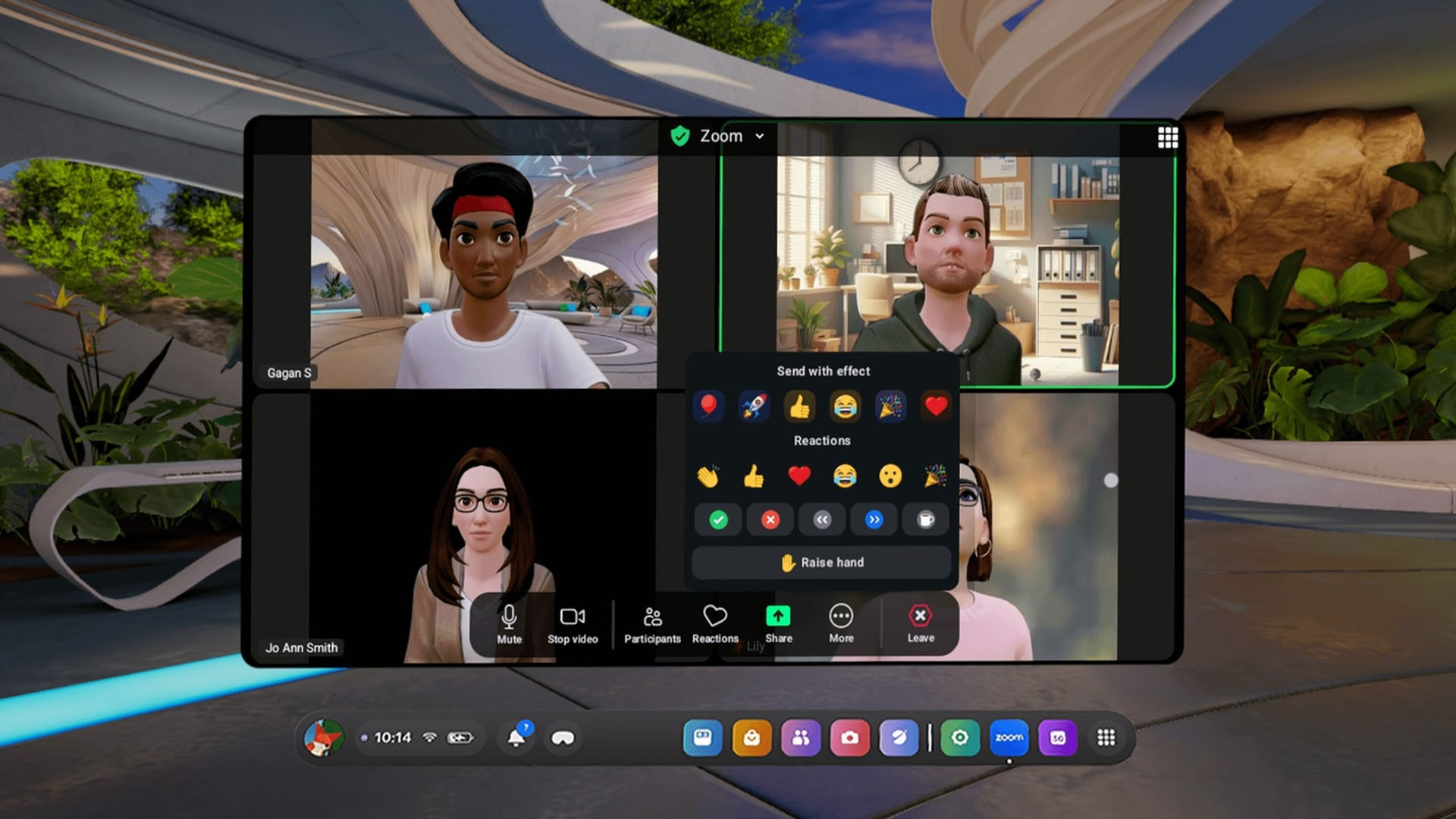
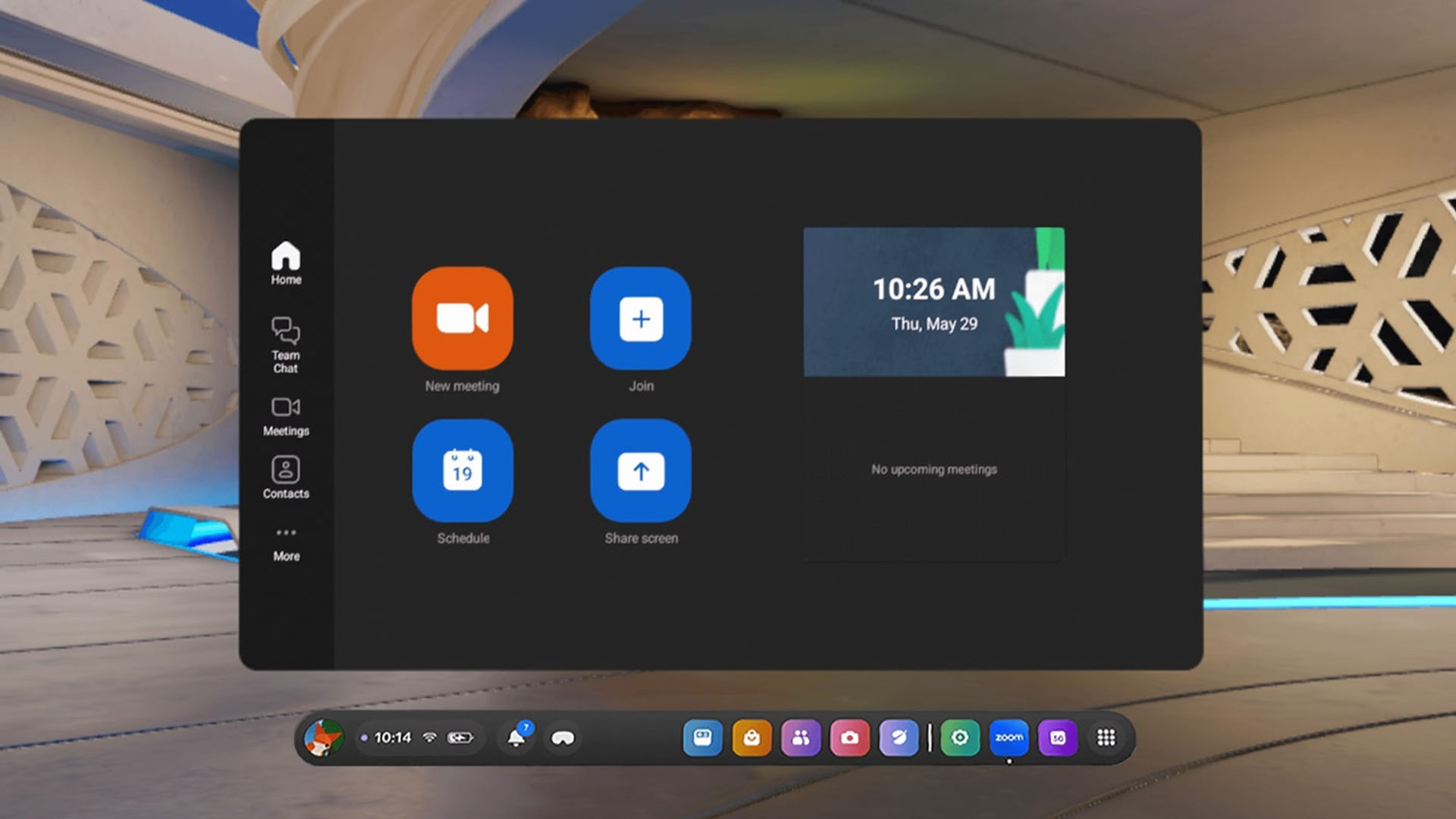
Переосмыслите свой подход к работе с Zoom Workplace в VR . Используйте возможности Zoom Meetings на устройствах Meta Quest с любой бесплатной или платной лицензией Zoom.

С помощью приложения Zoom Workplace вы можете: • Планировать видеовстречи или присоединяться к ним • Делиться контентом во время встреч • Общаться с коллегами и внешними контактами

40 минут недостаточно? С платным аккаунтом Zoom Workplace Pro вы можете: • Проводить неограниченное количество встреч, до 30 часов каждая • Использовать AI Companion, вашего ИИ-помощника • Назначать организаторов, соорганизаторов и планировщиков • Записывать встречи в облако (до 5 ГБ)

Мы будем рады услышать ваше мнение! Присоединяйтесь к сообществу Zoom: https://community.zoom.com/

Подписывайтесь на нас в социальных сетях @zoom

Условия использования: https://explore.zoom.us/terms/ Политика конфиденциальности: https://explore.zoom.us/privacy/

Есть вопрос? Свяжитесь с нами по адресу https://support.zoom.com/hc

Показать больше Показать меньше

Поддерживаемые платформы

Дополнительные сведения

Жанры
Режимы игроков
Режимы игры
Языки

Оценки и отзывы

3.75

12 оценок

Рейтинг Oculus

Отзывы игроков

MalakM

10 июля 2025

5/5

Zoom

This is definitely useful and I'm sure our Avatars will be used in other apps too like Whatsapp, Instagram and others. Meta Codecs, like Apple Personas will be great here for this use case. I want to know if there's a way to change the distance between the Avatar and the camera. Right now, my avatar is at a near full-body length distance. I'd like the option of shoulder-length distance too. The app images display that distance, so I need to play around to find out how to set that.

Сочли полезным: 35

MPRachel

17 июля 2025

5/5

A Game-Changer for Virtual Meetings

I subscribe to Zoom and this is such a great addition! I often host Zoom meetings with clients, and on days I don't feel like being on camera, it's super convenient to check in quickly without all the extra steps. As a tarot reader, I love that I can show my passthrough environment—or even take clients with me into the metaverse to give them a taste of what the hype is all about. I’m really happy they finally brought Zoom to VR. It would be nice if I could easily share my PC screen or add people directly from the Horizon app into Zoom. Right now, you have to do it manually, which takes a little time. But overall, this is a fantastic step forward, and I’m excited to see what new features are coming next.

Сочли полезным: 6

M4cheteColletti

10 июля 2025

5/5

Neat

Pretty cool to be able to use your VR Avatar in a Zoom Call! Movements are tracked as well. Looking forward to more updates!

Сочли полезным: 6

watson_wat_son

21 марта 2026

4/5

Fails to log in every single time

This just angers me. Can't log in no matter what. Gives log in failed 5003 error. Why even bother launching? Just delete it and save your brand credibility until you have something that works. Edit. Saw this was updated, still cannot even log in with any account type or login method. Do better. Edit2. Managed to log in for the first time and make a call March 21, 2026. Worked pretty well.

Сочли полезным: 5

RDMueller

16 августа 2025

1/5

not as expected

yes, I get a zoom screen like in a virtual desktop. But I don't get an avatar. Best I can do is to select an avatar from zoom, but it is not moving. disappoint, since I get the Feeling I do something wrong.

Сочли полезным: 4

Показать все отзывы на Meta

Похожие игры

Immersed Immersed
  • Продуктивность
  • Подключение к компьютеру
Immersed

Бесплатно

RAUM RAUM
  • Продуктивность
  • События
  • Творчество
RAUM

Бесплатно

Gravity Sketch Gravity Sketch
  • Продуктивность
  • Творчество
Gravity Sketch

Бесплатно

Открыть для себя

Каталог

Блог