











Об игре

Дата выхода

17 октября 2022

Издатель

Oculus

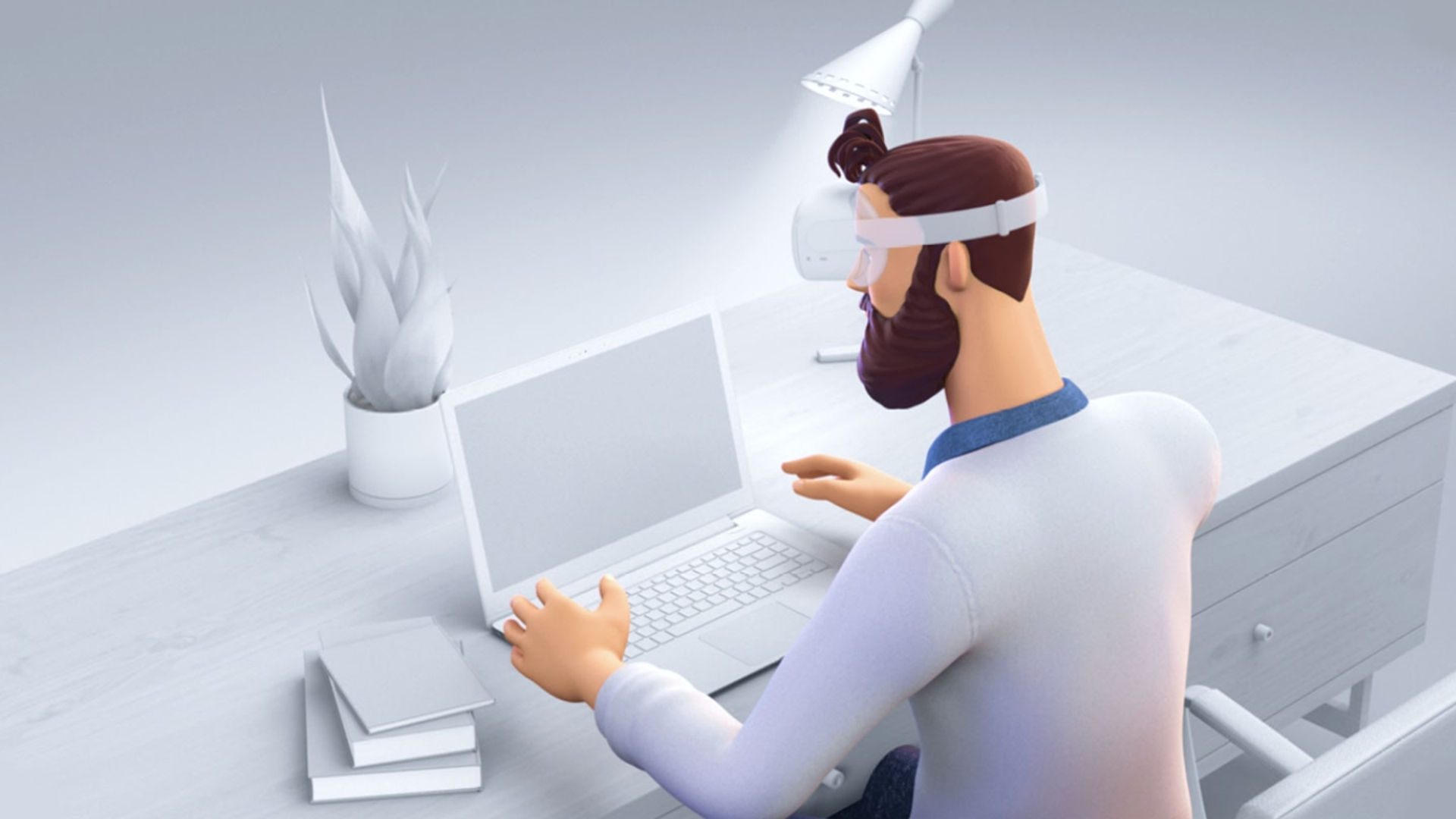
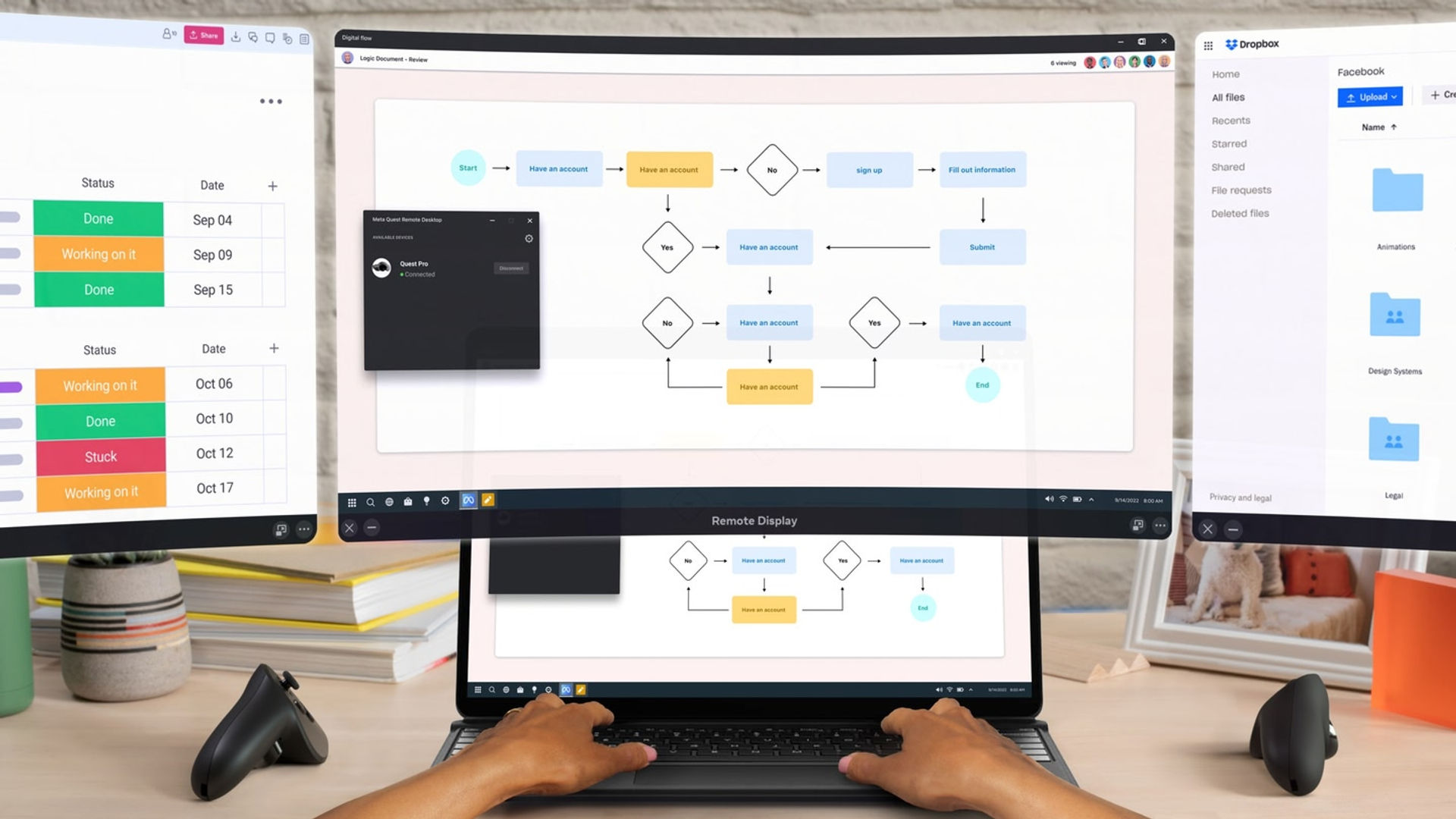
Приложение панели Remote Desktop переносит рабочий стол вашего компьютера в смешанная реальность внутри гарнитуры Quest.

Показать больше Показать меньше

Поддерживаемые платформы

Дополнительные сведения

Оценки и отзывы

2.35

401 оценок

Рейтинг Oculus

Отзывы игроков

demotricus

14 октября 2025

1/5

Pants

What a great app, you too can sit like a complete knob staring at a QR code, whilst your headset helpfully plays a spinning dot logo, whilst completely failing to find your (or ANY..) PC. Such progress! smh. (Yes I had the link app installed). (yes the pc and headset were logged onto the same WiFi network). (no, the headset neither read, or gave any indication of reading the QR code...). TLDR:- It doesn't work. The end, badum-tiss.

Сочли полезным: 108

ClayMG

18 декабря 2024

1/5

Harms Computer

For some reason, this app decided to install, download, or whatever it did, over 1 million JSON files while I was on my computer and someone else in the house was using the VR. I wish that was an exaggeration but it is not because these files were numbered!. This did not allow my computer to boot up because it placed them all in my computer's OS drive. I was forced to take out that drive, wipe it, and reinstall my operating system. FIX THIS NONSENSE META!!!

Сочли полезным: 95

hangry.and.afraid

9 марта 2025

2/5

Functional, but lacking configuration

I once used this application regularly, but the fact that I can't restrict connections to solely my local network is both a security concern and a significant performance hit in the form of bandwidth and latency. For my use cases, there's no reason at all for potentially sensitive data to be transmitted over the internet. If this were fixed, more transparency added regarding how non-local screen recordings are being handled, and some indicator added that the connection is local, it'd be much more viable as a replacement for a physical arrangement of monitors. It'd be a major selling point for headsets, too. The lack of transparency is why I give this such a poor rating.

Сочли полезным: 89

Zanpakatou

12 марта 2024

1/5

Basically useless

All of these Remote Desktop apps for VR rely completely on you using your mouse and keyboard from your Remote Desktop. What is the point? Why not give me access to the computer with hand tracking? Let me touch the display like I would if it were a native touch display.

Сочли полезным: 87

WIRED_ALLSTAR

25 июня 2025

4/5

*READ!!!*TEMPORARY FIX!*

The new update has broken the app connecting the headset the easy way. USE THE SECOND OPTION to connect the headset. This means you'll have to CLICK THE OLDER WINDOWS' OPTION in the app on your headset. This will send you a link through email to download a different meta app to your PC and connect the headset that way. Hope this helps! I enjoy the app and hope they fix it soon. Actual Review: This is a screen mirroring app. You can't control what's on the screen with meta quest controllers. Sadly, you'll have to use your computers mouse and keyboard. But you can create up to 3 screens at a time even though your computer only has one, plus it's free!

Сочли полезным: 85

Показать все отзывы на Meta

Похожие игры

Immersed Immersed
  • Продуктивность
  • Подключение к компьютеру
Immersed

Бесплатно

RAUM RAUM
  • Продуктивность
  • События
  • Творчество
RAUM

Бесплатно

Gravity Sketch Gravity Sketch
  • Продуктивность
  • Творчество
Gravity Sketch

Бесплатно

Открыть для себя

Каталог

Блог