









About

Release date

November 2, 2022

Publisher

Quadrobee Inc

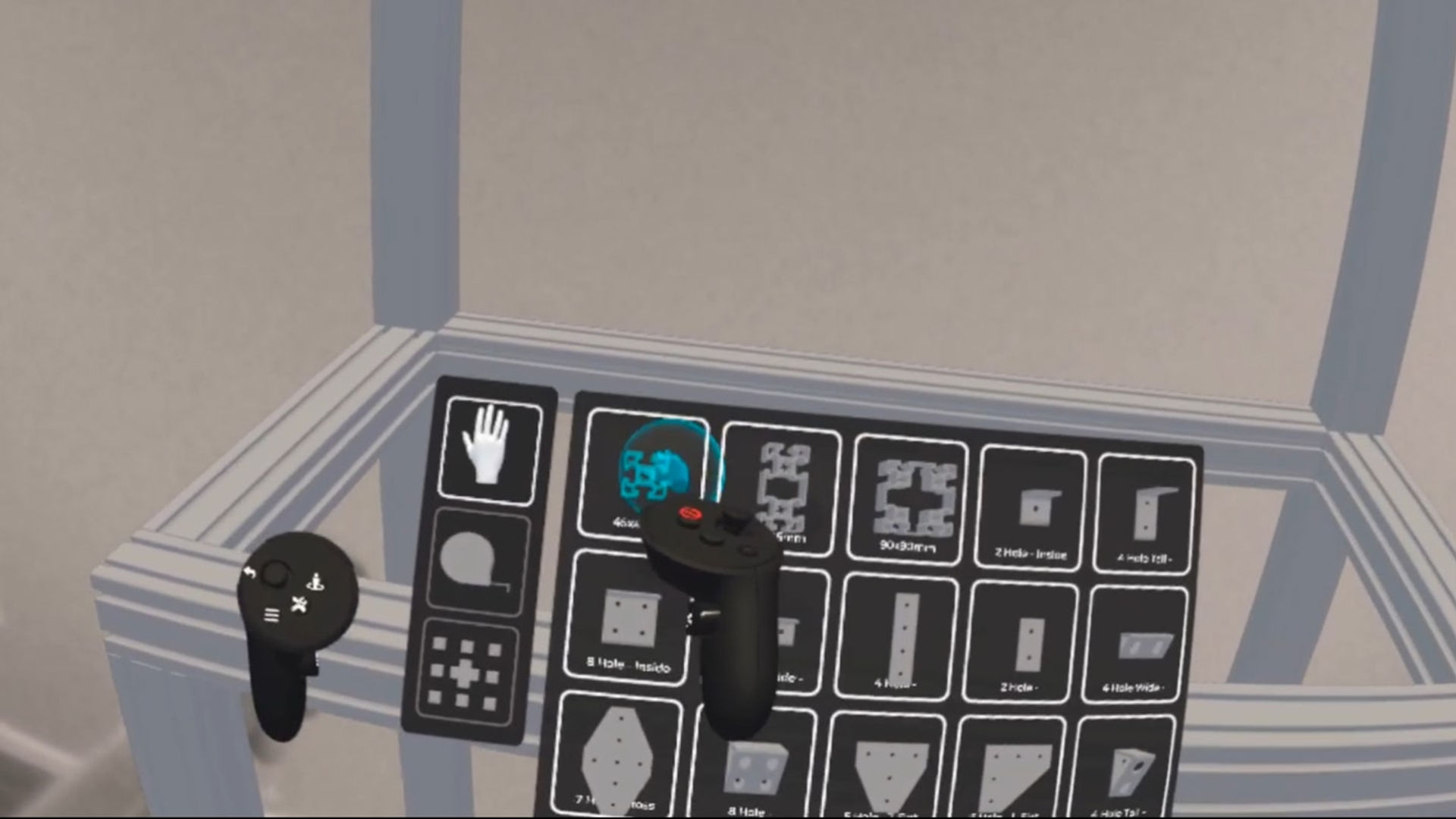
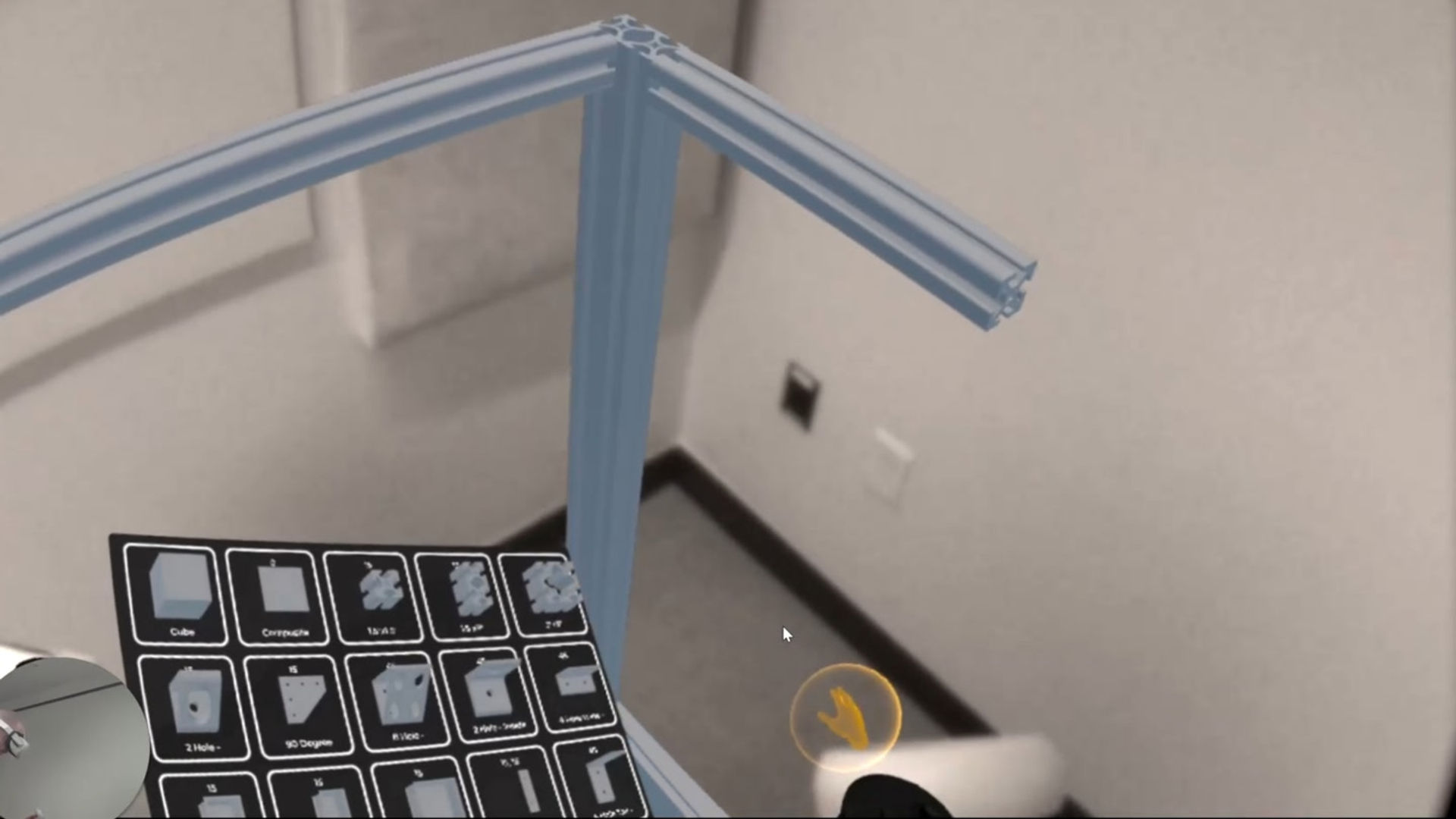
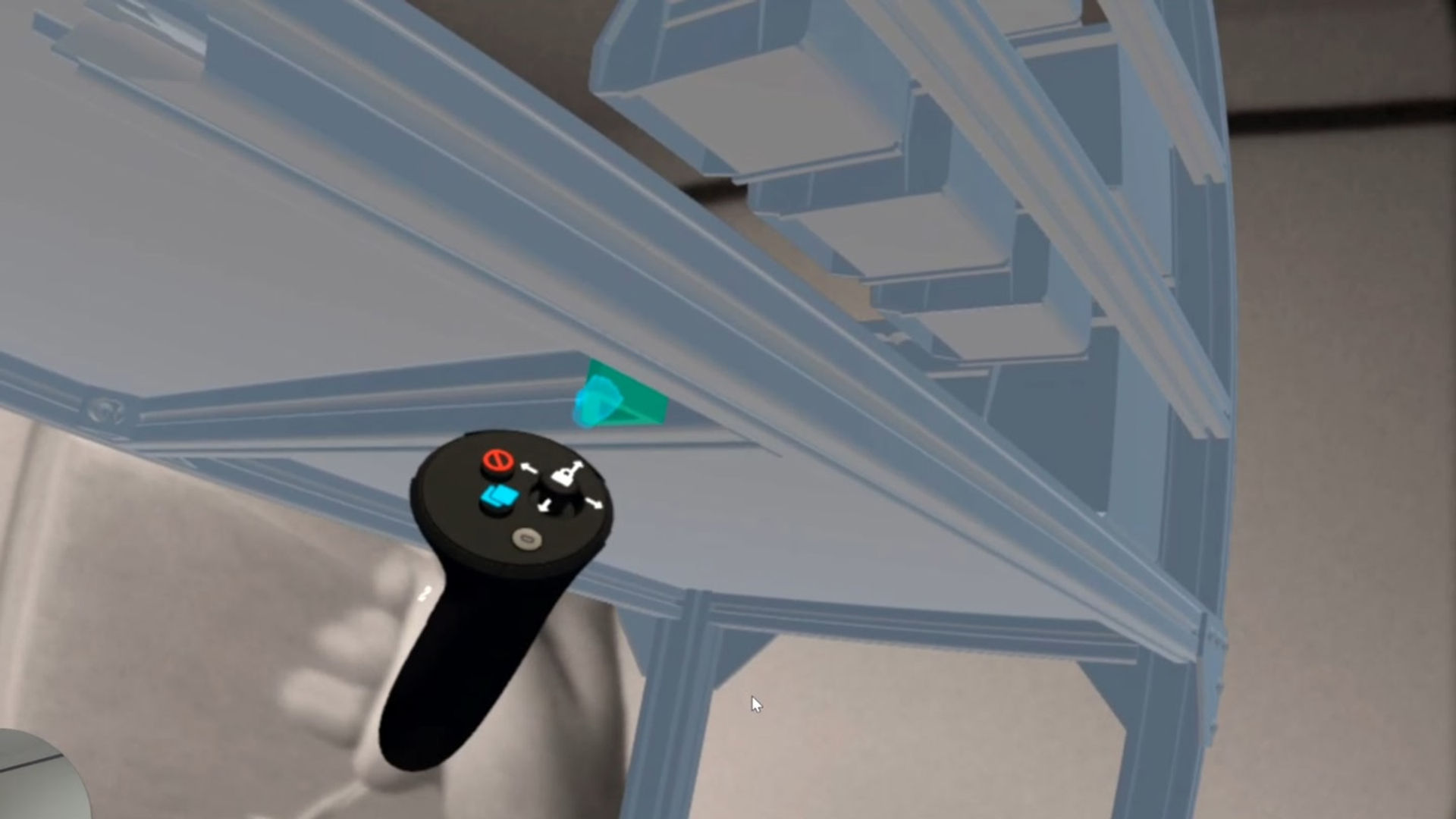
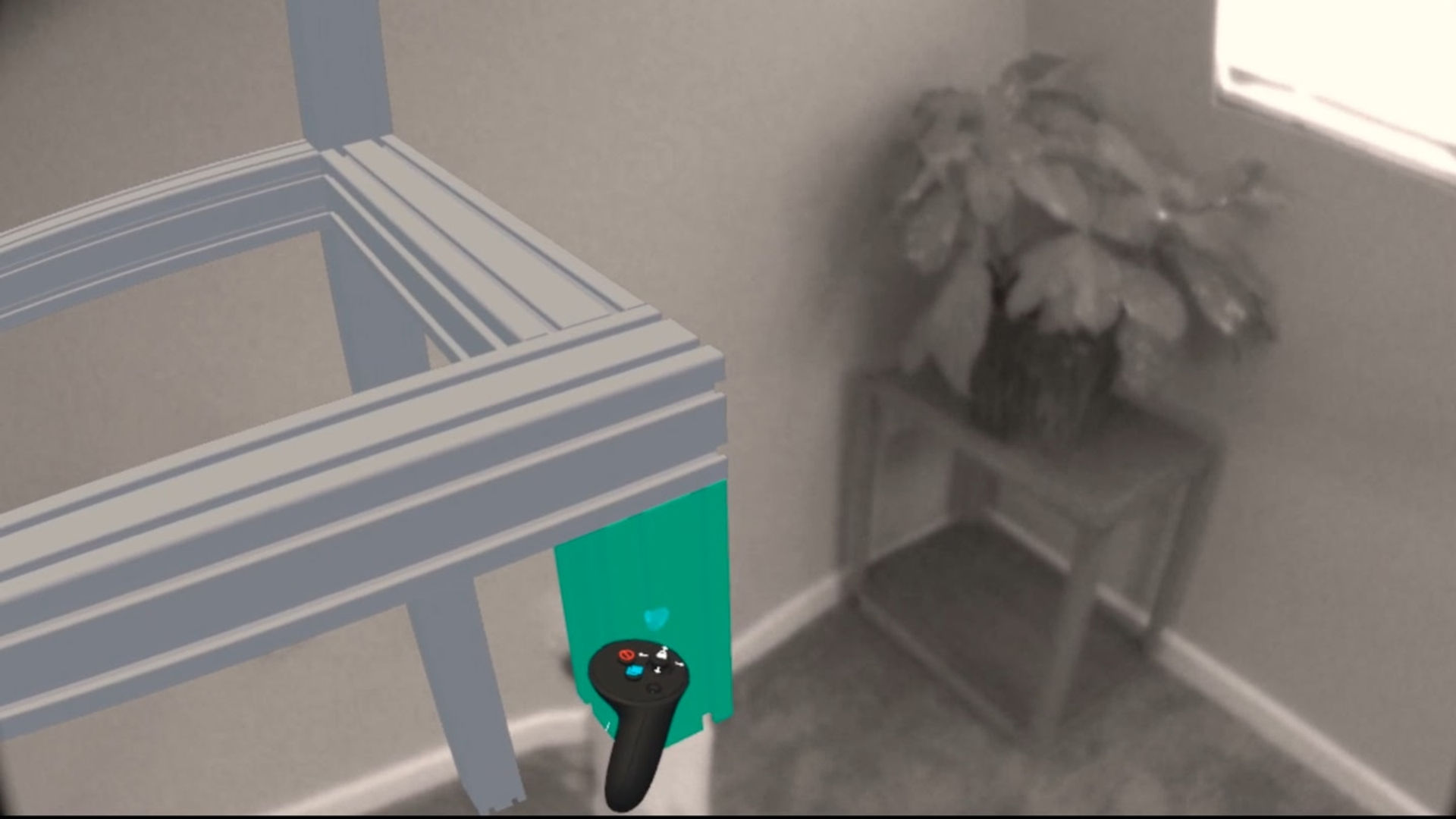
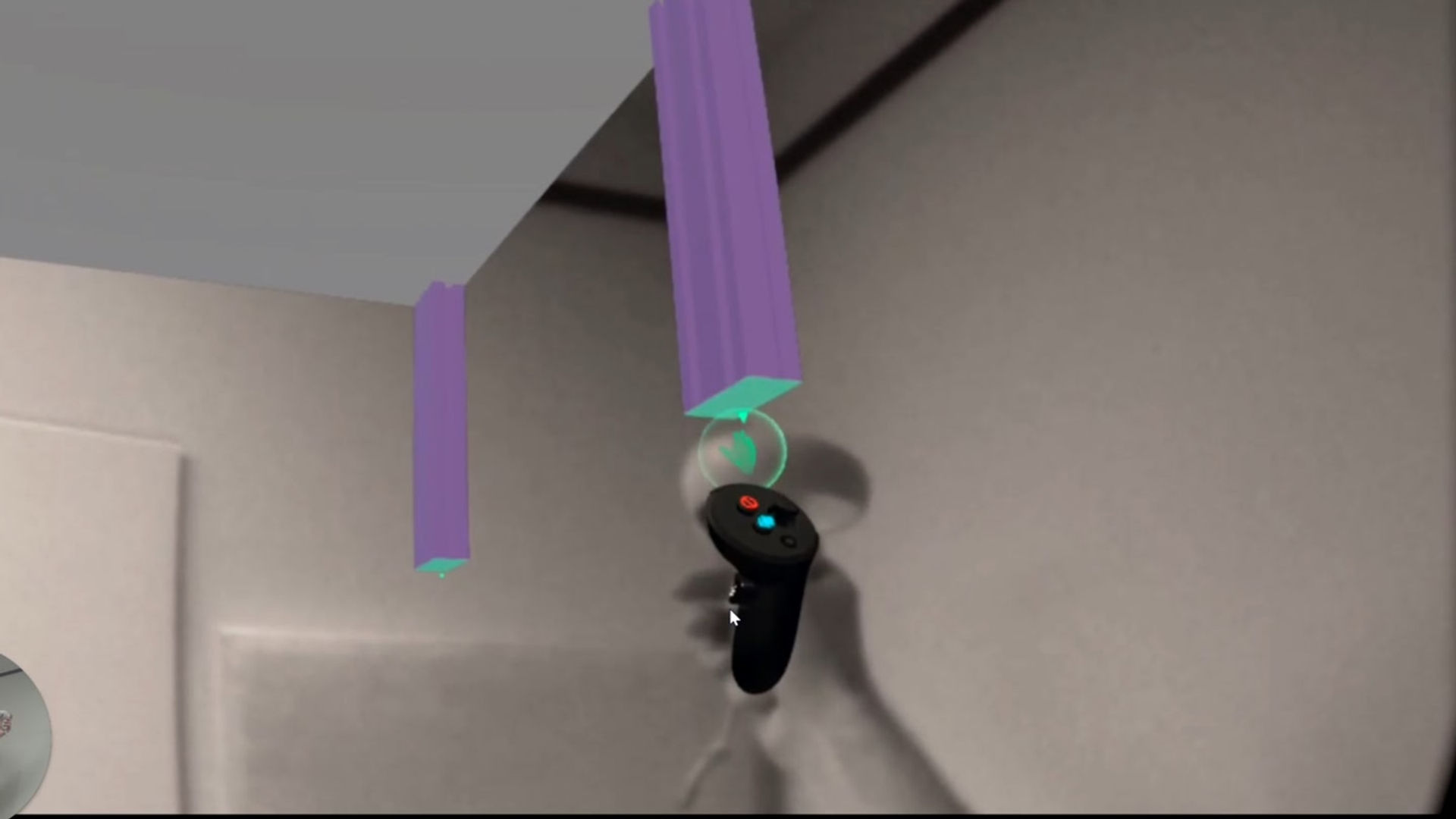
Designing 3D structures is complicated. We want to make it easy for you to bring your ideas into the real world. Now you can design at scale, prototype your creations and determine exactly which parts you need to get the job done.

Show more Show less

Supported platforms

Additional details

Genres
Player modes
Game modes
Languages

Ratings & reviews

4.65

8 ratings

Oculus rating

Player reviews

BeeParty

May 7, 2023

5/5

Simple yet effective

I'm doing a small woodworking project that only requires common pieces. This is perfect for that. Everything snaps together nicely and the controls are easy to get comfortable with. It is a bit difficult to move/extract with precision. I don't know if there is a snapping threshold, but if not, that would be helpful (to be able to set it to 1/2" for example instead of 1/16") especially for extrusion (EDIT: There is in the settings menu). Would like to have a "shift" key to dynamically turn off snapping when moving objects around (like bolts which are hard to place). Kind of a bummer you have to sign up for an account to save, but I suppose it's a small price to pay for a neat tool like this. I don't really get the "add to cart" feature. This makes me think that some materials will be microtransaction-based in the future. The cart is also hard to find. I only saw it again when I went to reload my project. The Youtube tutorials are nice, but a little clumsy. I still don't know which buttons select the video and which plays. I just kept pressing trigger and A. Also, they are very short, so one longer tutorial would be a nice option... which I think would still be less than 2 minutes total. Still, I like it. And I like the passthrough. It feels very natural to work with. Copying/moving/extruding all feel really good. Thanks dev!

4 found this helpful

clandsinger

April 22, 2023

5/5

Useful App

Makes building with extrusions much easier and faster

2 found this helpful

FogCabin

July 14, 2023

5/5

What I been waiting for

Thank you for finally making something the everyday user could use and not have to understand a bunch about 3d modeling. I hopped in and real quick was already getting measurements and mocking up a sliding barn door. So helpful in just the first 10 minutes. Easy to use, the prices are to give you an idea of material cost, simply "grab" them from the list and put em either in your pallete or directly into your workspace. Also if tubing or round stock were added this could be huge for automotive roll cage and frame and custom building. Maybe some carving or cutting for the wood and metal and a spray foam to sculpt again for home office or automotive aspects. THIS HAS THE POTENTIAL to bring real time projects to a whole new level or planning and rnr. 5 stars for how effortlessly it was to use and get started and for showing what can be done and hopefully is paving the path for others as well to take note. And it's free?!?!?! Any diyer or even legit contractors could use this.

SteveOCovington

July 26, 2023

5/5

Brain Storm

1-936-402-9053 I have had this idea with the next level text me because I’m at work I’m no joking with the next big thing and your in the right path awesome job guys!!!

Daboz_6

September 15, 2023

4/5

Awesome app

I've been using this app for a couple days now and I can say it's definitely worth trying out! A lot of the features that they say the app will be able to do have not been added yet, but it's still a fun app to play with. I'm currently working on a 10x20 shed and one of the demo videos has pictures of 2x6 is cut at angles yet you cannot do that currently. In the settings, you can change into the dimensions of pieces you have snapped yet when it actually comes to selecting that piece, you cannot change. The dimensions without extruding the peace manually. Not a deal breaker. Definitely is the Betta version lol

Show all reviews on Meta

Related games

Discover

Browse

Blog