


About

Release date

April 27, 2015

Publisher

OTOY Inc.

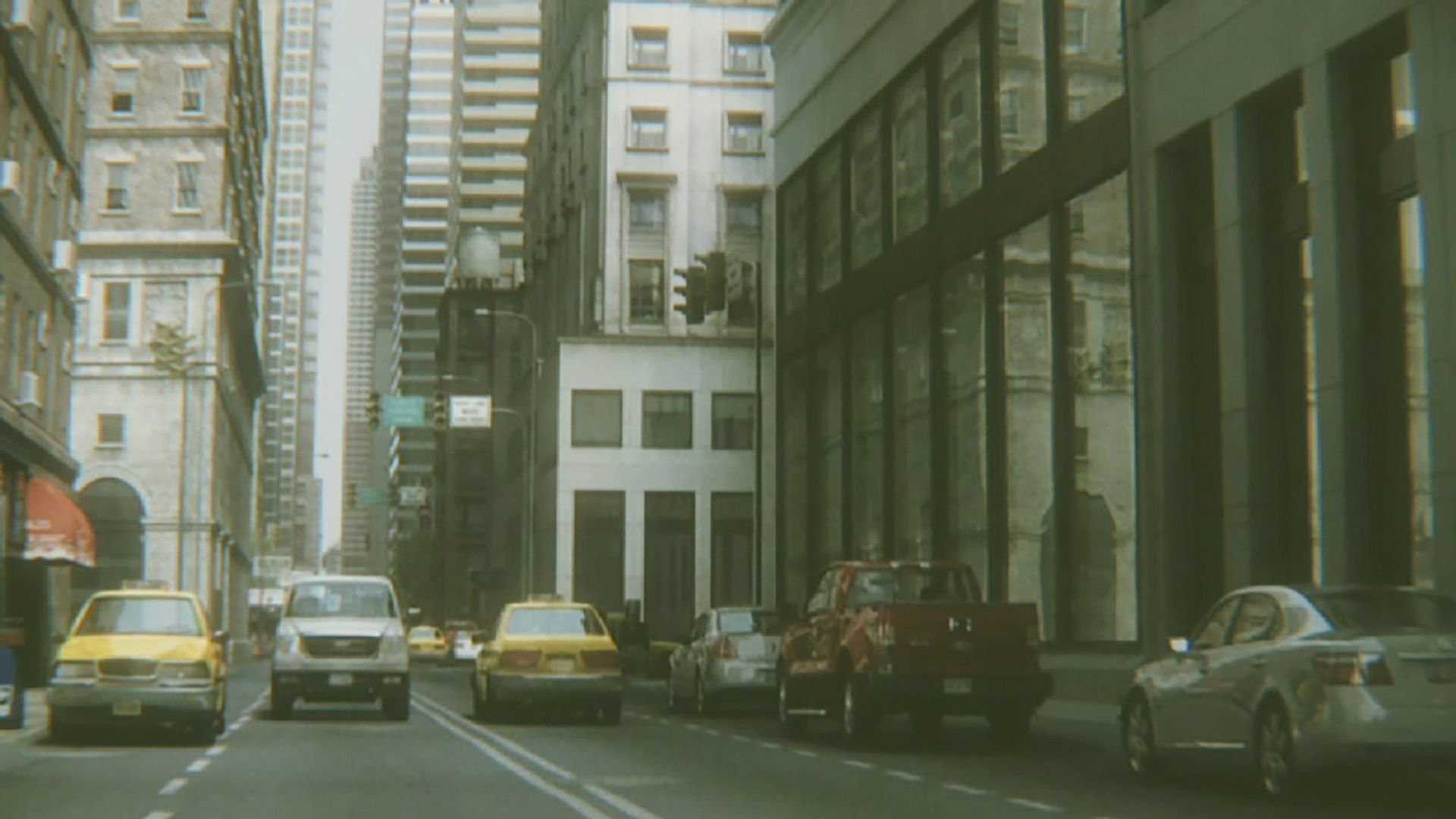
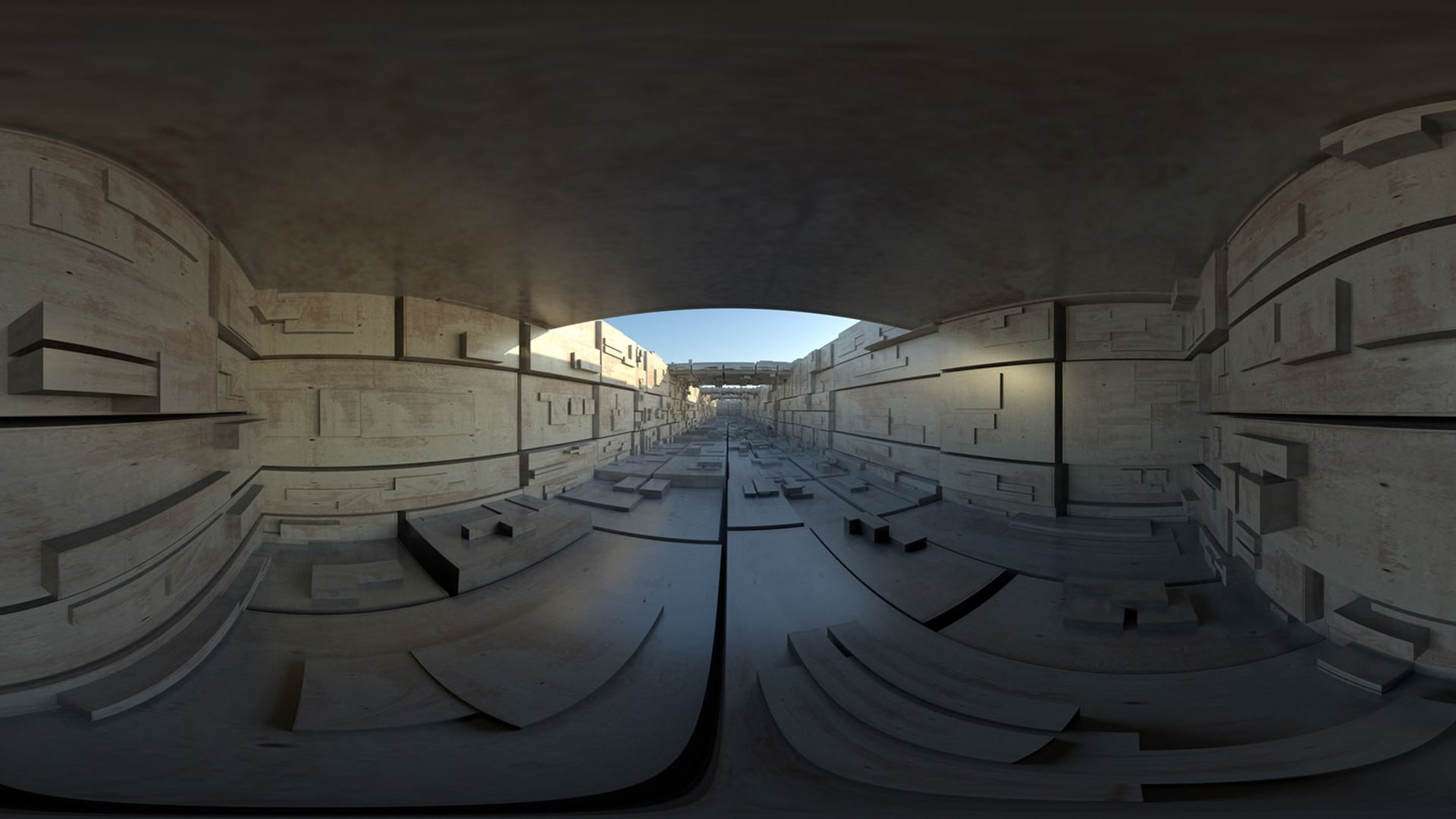
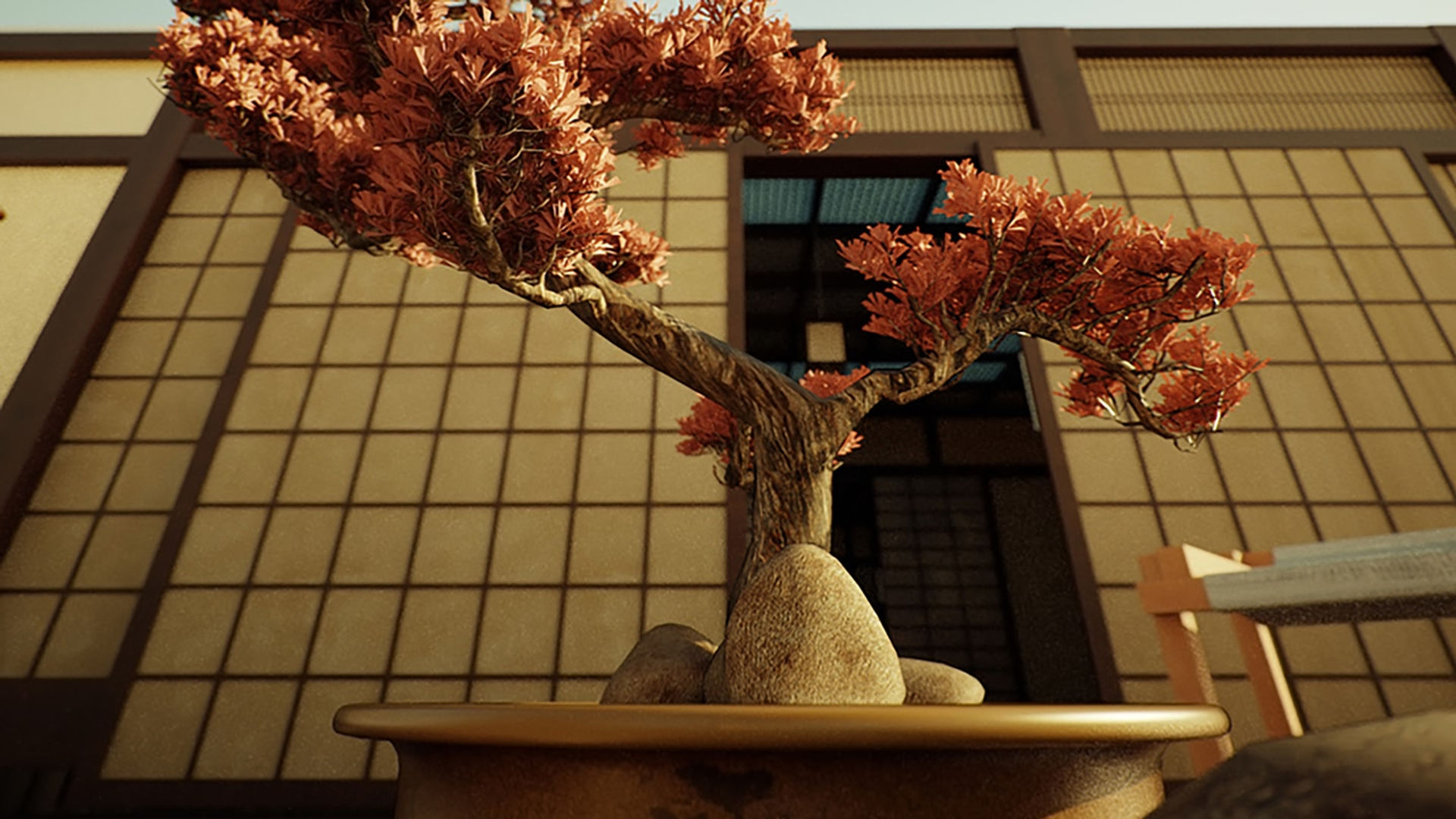
ORBX Media Player displays photorealistic virtual reality scenes and experiences created with OTOY’s rendering and light field technology. The application can be used to view media published by OTOY’s community of over 100,000 artists, as well as commercial ORBX cinematic content from studio partners such as Warner Bros. To learn more about OTOY’s tools and services for VR artists and content creators, please visit http://www.otoy.com/. © MARVEL.

Show more Show less

Supported platforms

Additional details

Genres
Player modes
Game modes
Languages

Ratings & reviews

3.45

845 ratings

Oculus rating

Player reviews

Vipera

May 12, 2018

4/5

Oculus Go support

I cannot find how to play my videos on Oculus Go device. On Gear VR device there was ORBX\Media folder where I put my videos. Oculus Go doesn’t have this folder and ORBX Player cannot see videos from device Movies folder. Update: After I restarted device this folder showed up. Please add option to reverse left/right eyes for 360 stereo video. All native players use Top/Bottom fields order, but ORBX player uses Bottom/Top order. I have to create two versions of video files for native players and ORBX player.

12 found this helpful

firagabird

June 27, 2017

2/5

Amazing content. Atrocious Space Hog.

When trying to move the huge 3GB worth of content I had thus far downloaded onto my SD card, the ORBX folder refused to budge. Trying to manually move that folder just causes the app to try downloading everything again. The tag showing that this app can be transferred is misleading. It is incredibly disappointing that such amazing stereo pictures and videos cannot be moved to my dedicated media storage. Will update this review if this issue gets resolved.

10 found this helpful

MadmanEpic

May 10, 2017

1/5

Downloaded photos hog phone space!

I have to admit, the tech on display here is impressive, it really is. But when it take ages to SEE that tech, and said tech took up 3GB of my phone space AFTER I UNINSTALLED THE APP, I'm inclined to be less forgiving. For reference, to clear out the space, go to the file manager, select "Phone," and delete the "ORBX" folder. After uninstalling the app, no space-freeing tools detected the hulking 3GB app, and I had to go find it myself.

7 found this helpful

Komplikaetiir

January 6, 2017

1/5

Sucks.

Takes waaaaaay too long to download 360 images. Its like downloading instructions on how to build a flux capacitor for a time machine. And that's AFTER you already downloaded and install the main "program". Then, it freezes up and hangs. What a waste of time anf effort just to look a handful of some ho-hum pictures.

6 found this helpful

Mykel

May 24, 2016

5/5

Unmatched quality. Hands down the most promising 360 video player!

3 found this helpful

Show all reviews on Meta

Related games

Discover

Browse

Blog