







About

Release date

February 25, 2024

Publisher

Oscar de Lima Rodriguez

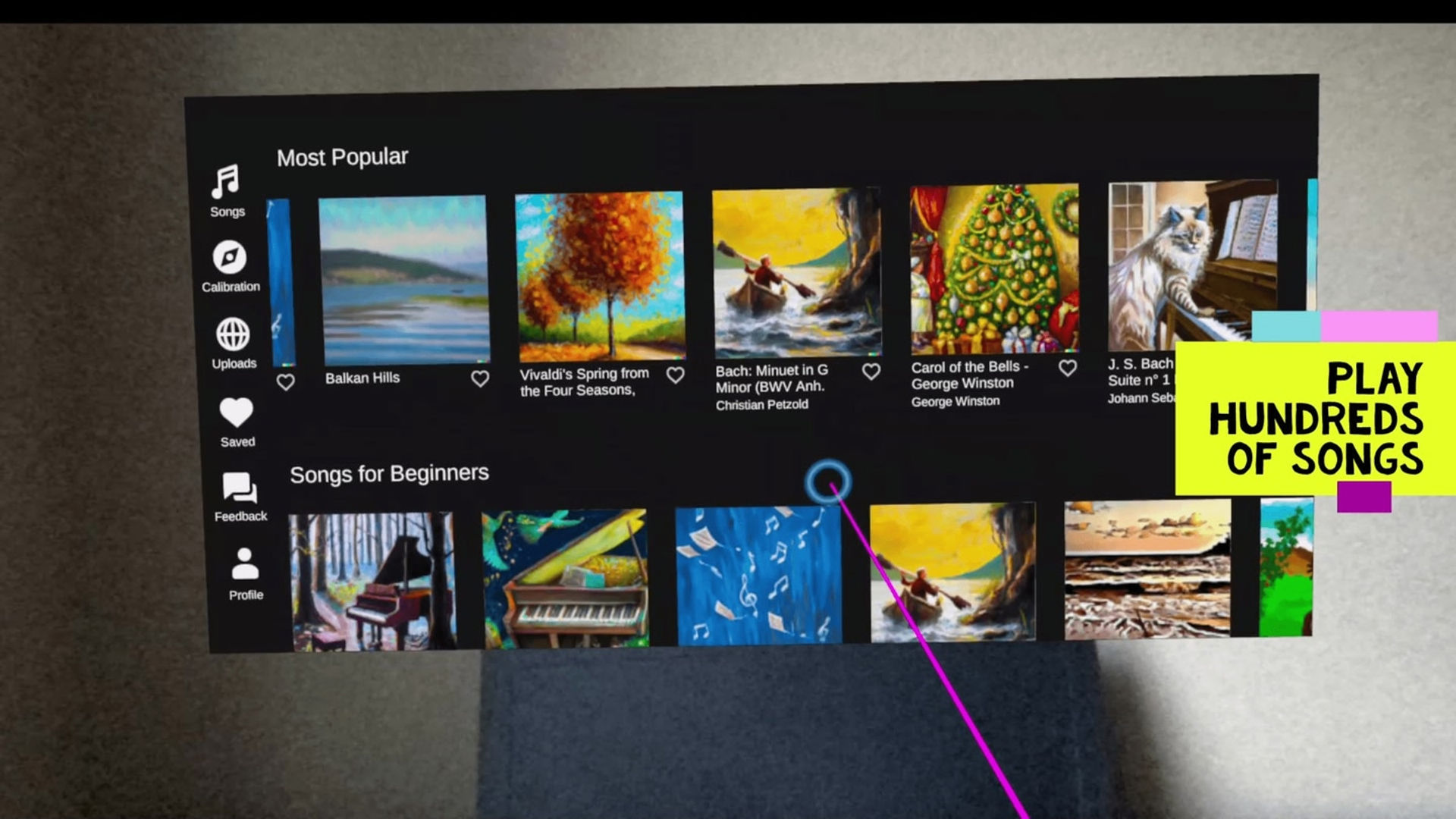
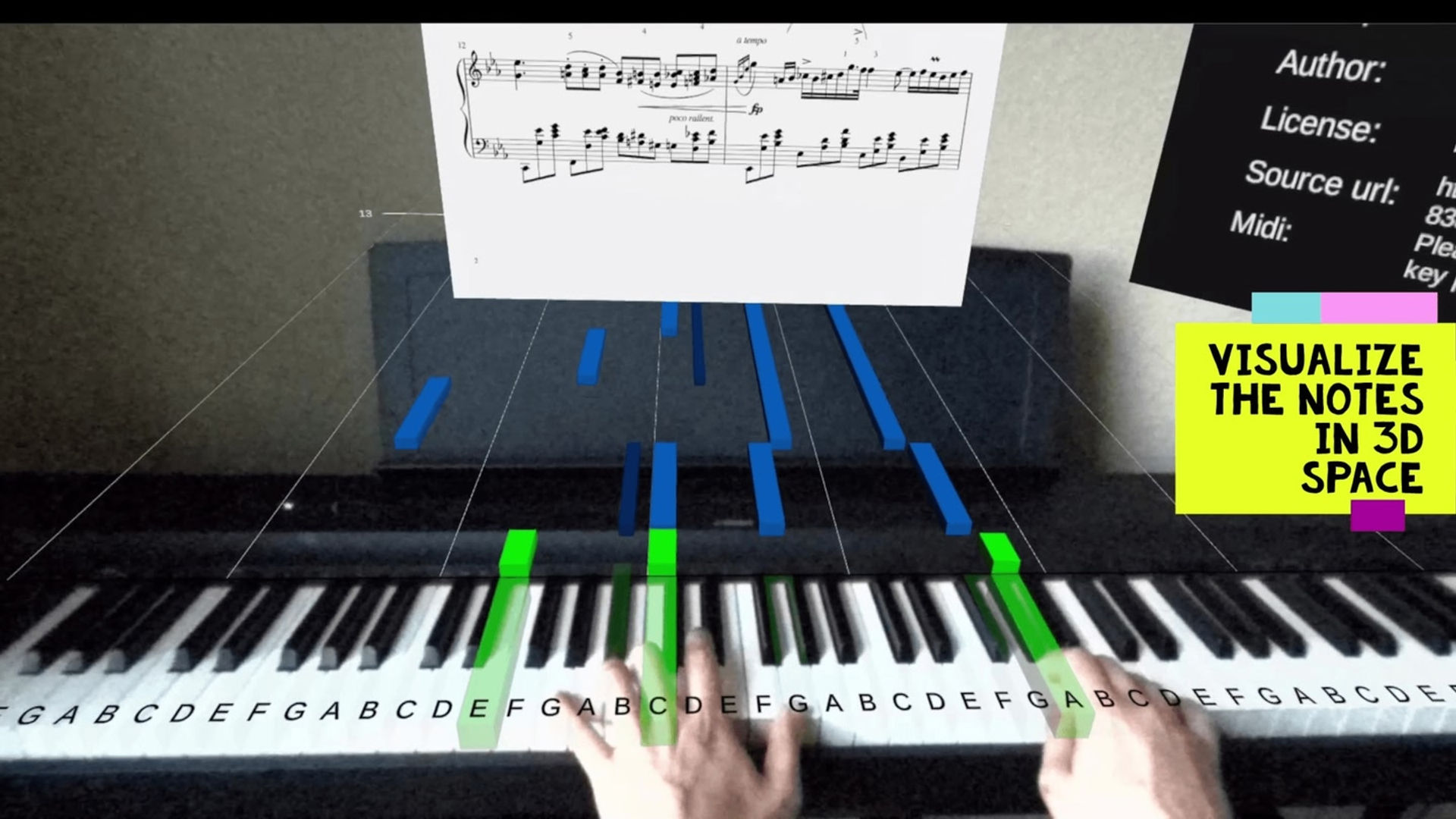
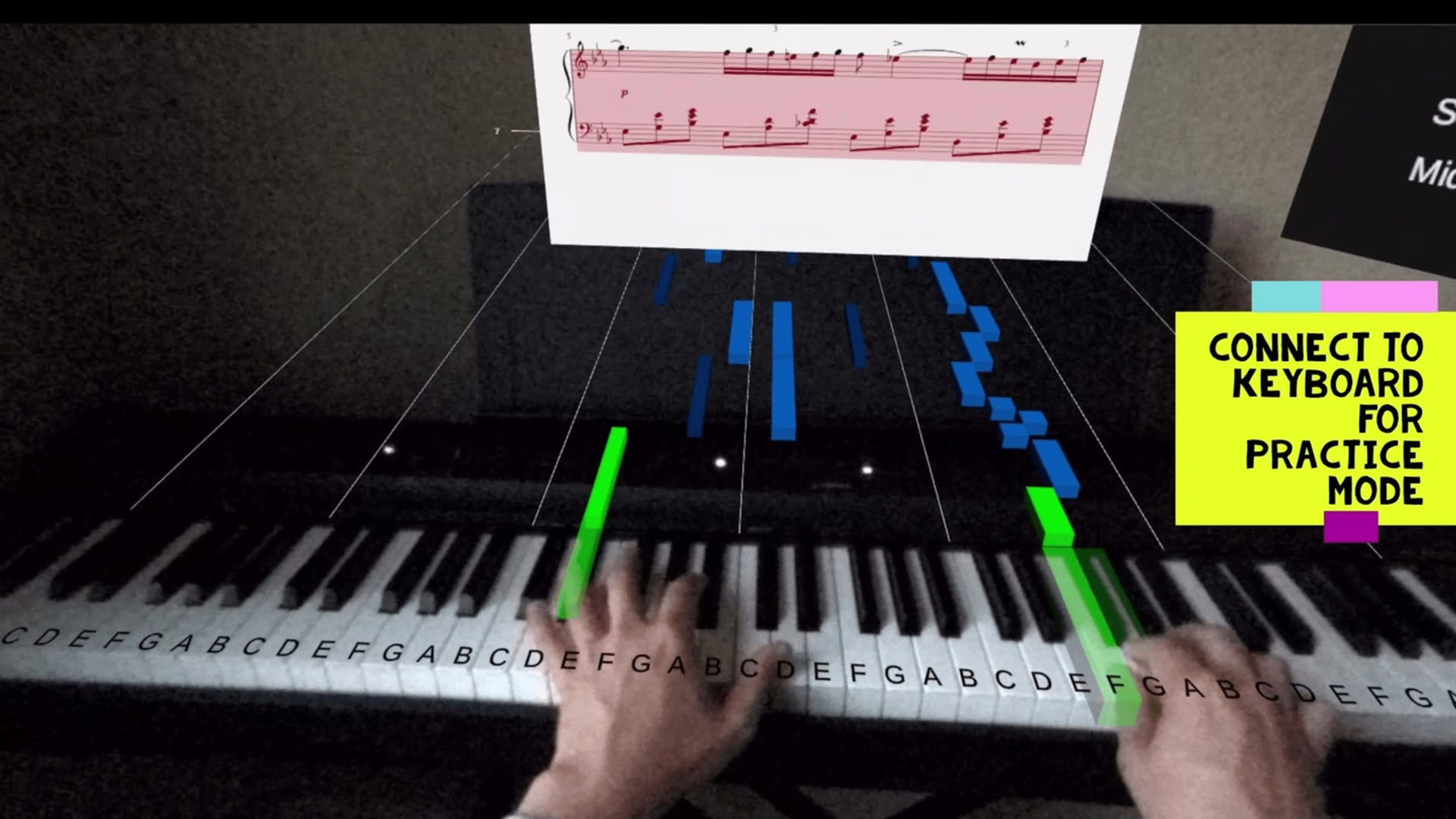
Pianogram is an augmented reality application that allows you to visualize notes on top of your piano, providing a visual aid for when to play the keys and accelerating the time it takes to master your favorite songs.

In this app, you can:

  • Visualize notes on 3D space with augmented reality.
  • Connect the keyboard to the headset and play in practice mode.
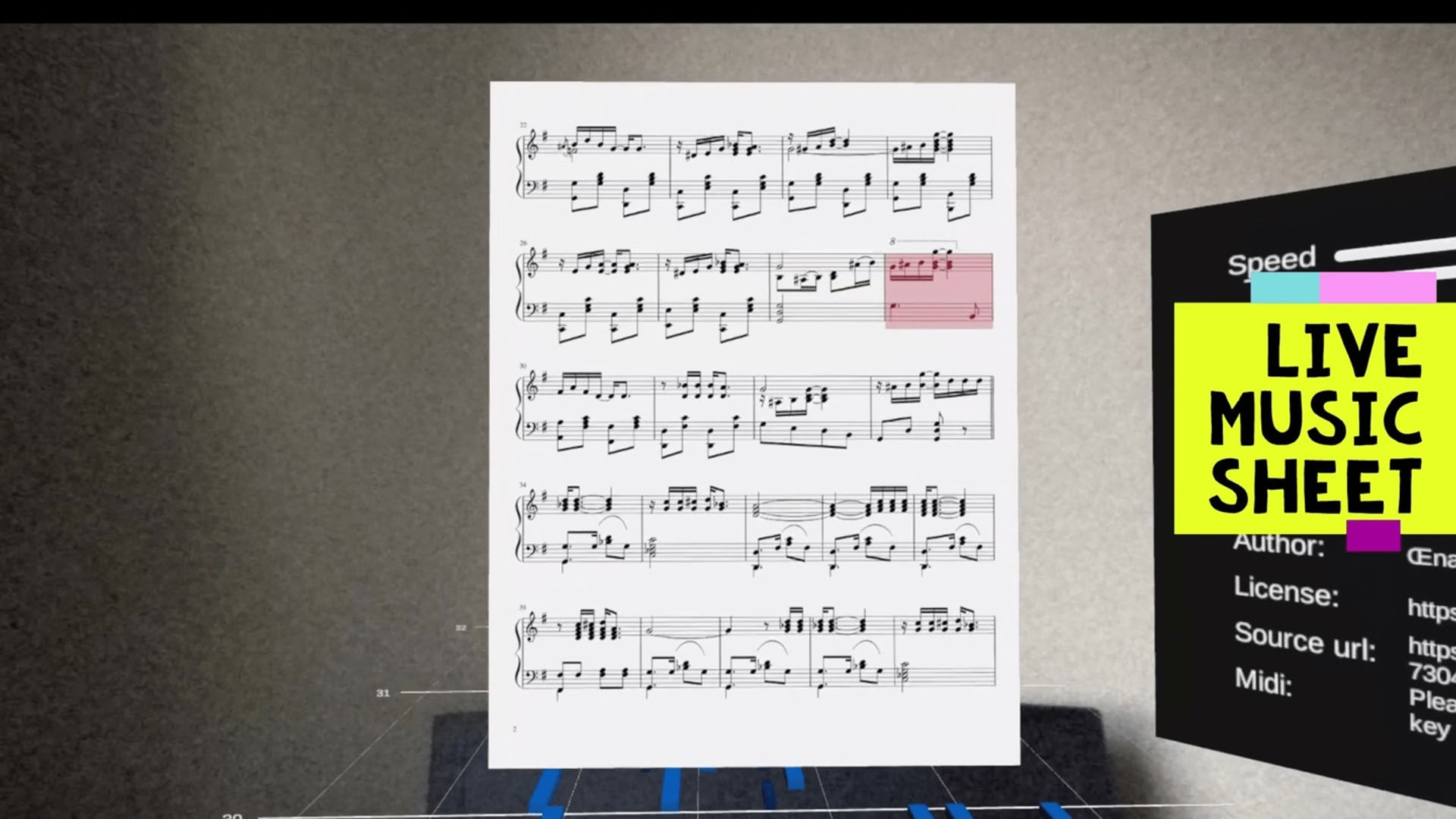
  • Upload any MIDI song from the web to play.
  • Change the speed of songs.
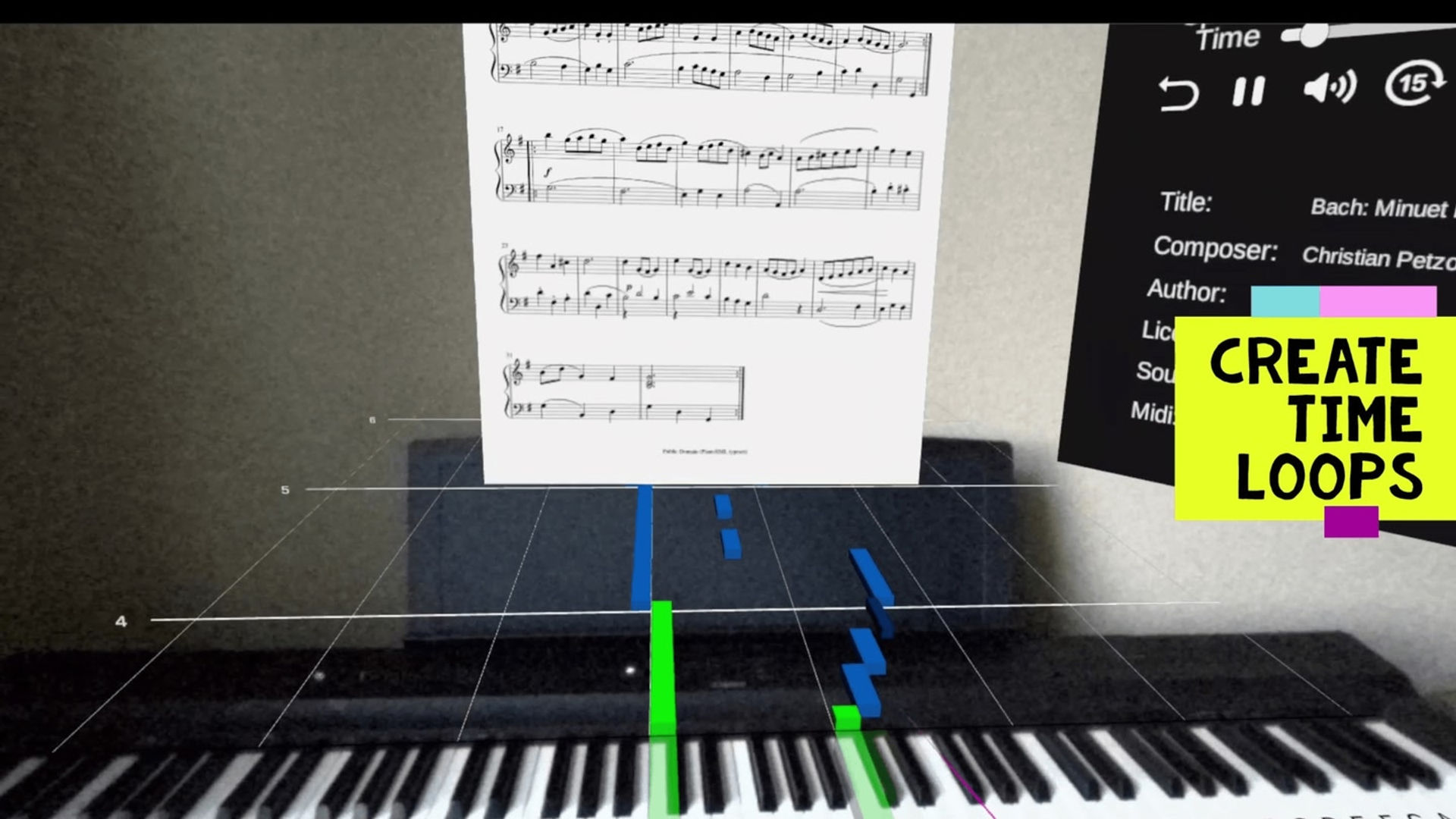
  • Create loops for replaying tricky parts of the song.
Show more Show less

Supported platforms

Additional details

Genres
Player modes
Game modes
Languages

Ratings & reviews

2.85

98 ratings

Oculus rating

Player reviews

Todeswalzer

February 28, 2025

3/5

It's ok, but needs tweaking a bit.

The idea of this is good and it does work... Sort of. The interface is VERY basic but functional. The biggest issues with it are: Aligning the "virtual" piano is very fiddly, and it doesn't actually align properly. On an 88 key piano, it is like a fraction of a millimeter too small on each key, so you can align it perfectly to one key, but by the time you get to the end, they keys don't align . While it has easy/medium/hard modes it just throws you in... There's no learning, no training mode... It has potential, but needs a fair bit of work.

36 found this helpful

NolanMo

August 3, 2024

5/5

This is amazing

I just can't believe this is free! It works really well. The only issue I encountered was signing up and logging in. Sometimes if you click the box, the keyboard doesn't work. However, I believe I've found a solution: When clicking the box, either make sure to press it quickly with the trigger, or press the B button on your controller. If it clicks twice, it will not work.

20 found this helpful

Alcinionius

April 11, 2025

3/5

I think is a bug

I dont know why my pianogram sometimes bugging,theris no song to play,just a home screen,and i cant sign up and there is a small text that say,eror because too many request but,ive only sent it once

17 found this helpful

al23x

January 4, 2025

2/5

Needs a lot of improvements

Calibration - very painful to match the keyboard width/length and no manual controls to adjust yet there are controls for height, rotation, etc. Perhaps an easier way to calibrate would be to pinch one end first and fix one side of the overlay, then stretch and pinch the other end, to ensure that only one end is moving at a time. There’s not enough FOV to see if both ends of the overlay were aligned. Flat and sharps - these need to be coloured differently as it’s hard to distinguish the flats from plain keys purely based on width. Either an option to make them light shade of green and blue or make them entirely different colour so that they stand out. Printed sheet view - doesn’t seem to be an option to zoom it in or to move closer. That’s all I had the patience to test. As someone who played the piano all their life - it feels it’d be quicker and easier to teach people how to read music instead, unless the above issues are adressed

14 found this helpful

code.treyplaysbbvr

December 17, 2025

4/5

PLEASEEEE

Please fix this app it’s my favorite it’s help me learned so much but it’s not longer working I can’t login or import songs

10 found this helpful

Show all reviews on Meta

Related games

Graffism Graffism
  • Hands-On Training
  • Creativity
Graffism

24,99 €

Discover

Browse

Blog